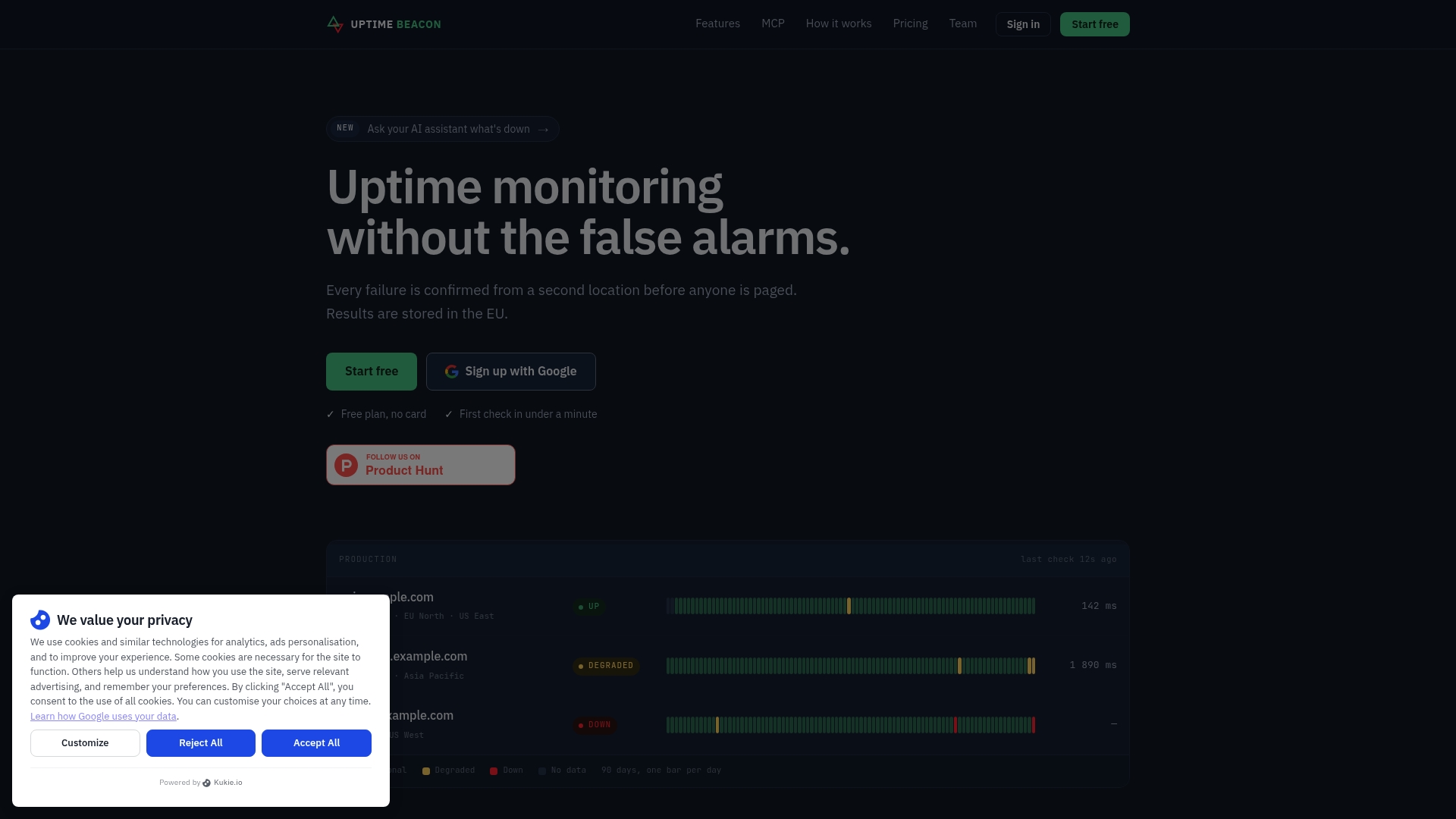
If you are leaving UptimeRobot because the pager goes off for blips that fix themselves, Uptime Beacon is the alternative to start with. An incident opens only after several failures in a row, confirmed from a second location on paid plans. Every plan, Free included, also has an MCP server so Claude, ChatGPT, Cursor or VS Code can read your monitors and diagnose a failing one region by region. Below, Uptime Beacon is compared with seven other well-known tools, so you can match each to your team.
TL;DR
- Uptime Beacon is built to cut false alarms: repeated failures, then a second-region confirmation on paid plans, before anyone is paged.
- Its MCP server works on every plan, Free included. Sign in, no API key, and your AI assistant can diagnose monitors and incidents.
- Free is 5 monitors every 5 minutes from EU Central, one alert channel and one status page, with no card. Paid plans are €14.99, €39.99 and €89.99 per month.
- Heartbeat checks for cron jobs, certificate and domain expiry watches, and status pages that stay up when the dashboard does not are part of the product.
- All results are stored on a control plane and database in the EU, which helps with GDPR paperwork.
Table of Contents
- Why teams look for an UptimeRobot alternative
- The options at a glance
- Uptime Beacon: monitoring that pages you less
- AI assistants over MCP: the second reason to switch
- How the other seven compare
- Match the tool to your team
- EU data residency and GDPR
- How to switch without losing coverage
- Our view on false alarms
- Try it on the Free plan
- FAQ
- Sources
Why teams look for an UptimeRobot alternative
Most searches for this keyword come from one of four situations.
Noisy alerts. A single failed request from a single probe is not an outage. It might be a dropped packet between the probe and your host. If every blip pages you, you start ignoring pages, and that is how real incidents get missed. Google’s SRE book makes the same point: pages should be for symptoms a human must act on right now, and everything else belongs in a ticket or an email.
Thin diagnostics. “Down” is a start. You then want to know which region saw it, how long it lasted, what the response was, and whether it was one probe or all of them.
Workflow gaps. Cron jobs and background workers fail silently. Certificates expire on a Saturday. A status page hosted next to the thing it reports on goes dark with it.
Data location. If you sell to EU customers, your monitoring vendor is one more place that holds hostnames, response data and contact details. Where that data lives is a fair procurement question.

The tools below are judged on those four points: alert quality, diagnostics, coverage beyond HTTP, and data residency. Check each vendor’s own pricing page for current figures, since plans change often.
The options at a glance
| Tool | Where it fits | What it is known for |
|---|---|---|
| Uptime Beacon | On-call engineers, small SaaS teams, agencies, EU companies | Fewer false alarms, MCP on every plan, EU-only storage |
| Better Stack | Teams that want monitoring, logs and incident management in one place | Unified monitoring, logs and incidents |
| Pingdom | Teams that want real user monitoring and transaction checks | RUM and transaction monitoring |
| StatusCake | Teams that also care about page speed and server checks | Uptime plus speed, server and SSL checks |
| Hyperping | Small teams that want status pages and on-call in one tool | Status pages and on-call scheduling |
| Uptime.com | Teams with broader synthetic monitoring needs | Established multi-location checks |
| Site24x7 | Larger IT estates that want one suite | Wide infrastructure and application coverage |
| Oh Dear | Web teams that want site checks with scheduled-task monitoring | Website, certificate and cron checks |
The descriptions of the other tools are general summaries of how they position themselves. Confirm limits and prices on their own sites before you commit.
Uptime Beacon: monitoring that pages you less
Uptime Beacon is aimed at engineers and small teams who run production services and carry the pager.
What it checks. HTTP endpoints, TCP ports and hosts, from five regions: EU Central, EU North, US East, US West and Asia Pacific. Heartbeat monitoring covers cron jobs. Certificate and domain expiry watches cover the dull failures that take sites down on a schedule.
How it decides to alert. An incident opens only after several failures in a row, and on paid plans it is confirmed from a second location. A blip on one route does not become a 3 a.m. phone call. For a deeper walkthrough of tuning this, see our uptime monitoring guide and the piece on paging only for real failures.
Alert channels. Email, Slack and webhooks. The Free plan includes one channel, either email or Slack.
Status pages. Public status pages do not depend on the dashboard, so they stay reachable during an incident. Free includes one.

Maintenance windows. Available on Starter and above, so planned work does not look like an outage.
Pricing as published on the site.
| Plan | Price |
|---|---|
| Free | €0 per month, no card |
| Starter | €14.99 per month |
| Pro | €39.99 per month |
| Business | €89.99 per month |
| Enterprise | No published price |
Add-ons start from €5 per month: 10 more monitors on Starter cost €5, 50 more on Pro cost €10, 100 more on Business cost €15, and 10 more certificate or domain expiry watches cost €5.
AI assistants over MCP: the second reason to switch
MCP (Model Context Protocol) is the standard that lets an AI assistant talk to a tool. Uptime Beacon runs an MCP server at https://app.uptimebeacon.eu/mcp. You connect Claude, ChatGPT, Cursor, VS Code, Codex or any MCP client, sign in, and that is all. There is no API key to create or rotate.
Once connected, the assistant can read your monitors, incidents and check history. It can also diagnose a failing monitor region by region. That turns “the API is down” into a short conversation:
- Ask which monitors are failing and since when.
- Ask the assistant to compare results across regions. If only Asia Pacific fails, you are looking at routing or a regional edge, not your origin.
- Ask what changed around the first failure.
If you turn on “Allow changes” for a team, the assistant can also create, pause and resume monitors, acknowledge incidents and start maintenance windows. Nothing can be deleted over MCP. For a solo developer or a vibe coder who lives in an editor, that means setting up monitoring for a new service without leaving it. It is available on every plan, including Free.
How the other seven compare
Better Stack
Better Stack combines uptime monitoring with logs and incident management. It suits teams that want one vendor for several observability jobs. If you only want monitoring that does not cry wolf, a focused tool is simpler to run.
Pingdom
Pingdom is known for real user monitoring and transaction checks, which is useful when you need scripted user journeys. Teams moving from it will find our Pingdom alternatives comparison a useful companion.
StatusCake
StatusCake positions itself as going beyond availability, with page speed, server monitoring and SSL checks. It fits a team that wants those extras in the same product as uptime.
Hyperping
Hyperping is positioned around cost-effective monitoring with on-call and status pages. It is a reasonable look for small teams that want scheduling in the same product.
Uptime.com
Uptime.com offers multi-location monitoring for teams with broader synthetic checking needs and a bigger budget.
Site24x7
Site24x7 is a wide suite covering infrastructure and applications. It suits larger IT estates more than a three-person team with a pager. We cover it in a separate Site24x7 alternatives guide.
Oh Dear
Oh Dear focuses on website monitoring, with certificate and scheduled-task checks. It is a close neighbor for web teams.
Match the tool to your team
On-call engineers and SRE teams. Alert quality is the whole job. Look for confirmation from a second location before a page goes out, and for per-region history so you can tell a regional problem from a global one. That is the design Uptime Beacon is built around.
Solo developers, indie developers and vibe coders. You want setup in minutes, and you probably work inside an AI editor. The Free plan covers 5 monitors every 5 minutes with an email or Slack alert, and the MCP server lets your assistant manage monitors in the same session.
Small SaaS teams and CTOs. You need cron and worker monitoring next to endpoint checks, plus a status page customers can reach during an incident. Our page on API and cron monitoring for SaaS teams covers the setup, and the API monitoring best practices guide explains what to check and how to alert.
Agencies and freelancers. You are answering for sites you do not control. Certificate and domain expiry watches, status pages that survive an outage, and incident history you can send to a client are the useful parts. Add-on packs let you grow monitor counts in small steps rather than jumping a plan.
Teams with cron jobs and background workers. Use heartbeat monitoring: the job pings Uptime Beacon when it runs, and silence is the alert. This catches the failure an HTTP check never sees, a worker that quietly stopped.
Online shops. Checkout and payment endpoints matter most. See uptime monitoring for online shops.
EU data residency and GDPR
Every Uptime Beacon result is stored on a control plane and database in the EU. The service is operated by Wealth Beacon OÜ in Estonia. For an EU company, that keeps monitoring data inside the EU and removes one international transfer from your records.
Why it still matters after the EU-US Data Privacy Framework: the framework allows transfers to certified US companies, and in September 2025 the EU General Court dismissed an action seeking to annul it. That judgment can still be appealed, and many procurement teams prefer to avoid depending on transfer mechanisms at all. Storing data in the EU is the simplest answer. Your data protection officer or counsel decides what your own obligations are.
How to switch without losing coverage
- List what you monitor now. Export or copy your URLs, ports, intervals and alert contacts.
- Recreate the critical monitors first. Start with the checks that page you. If you use an AI assistant, ask it to create them over MCP once “Allow changes” is on for your team.
- Add heartbeats for cron jobs. Point each job at its heartbeat after it finishes.
- Add certificate and domain watches. Do this before the old tool is switched off.
- Run both tools for a week or two. Compare how many pages each would have sent.
- Move the status page. Update the link in your footer and docs.
For API endpoints, read API health checks first. A good health endpoint makes every monitor more accurate.
Our view on false alarms
Every engineer we know has a story about a page that turned out to be nothing. The cost is not the lost sleep on its own. It is that the next page gets less attention.
We built Uptime Beacon so an incident opens only after repeated failures, confirmed from a second region on paid plans. Between us we have more than 30 years of running production in banking, fintech, telecom and SaaS, and the pattern was always the same: the monitoring was fine until it was too loud to trust.
We also think monitoring should be something you can talk to. That is why the MCP server is on every plan, Free included. Your assistant reads the monitors and the check history, diagnoses a failure region by region, and, only if you allow changes, acts on it. Nothing can be deleted.
Data location comes last on our list but not least: every result stays in the EU.
Aaditya Parashar
Try it on the Free plan
Uptime Beacon’s Free plan gives you 5 monitors every 5 minutes from EU Central, one alert channel (email or Slack) and one status page, with no card. Paid plans start at €14.99 per month on Starter and add multi-region confirmation, maintenance windows and more. See every plan on the Uptime Beacon pricing page.
FAQ
What is the best UptimeRobot alternative for fewer false alarms?
Uptime Beacon is designed for exactly this. An incident opens only after several failures in a row, and on paid plans a second location must confirm the failure. That filters out network blips before they reach your pager.
Is there a free alternative with AI assistant support?
Yes. Uptime Beacon’s Free plan includes the MCP server, so Claude, ChatGPT, Cursor, VS Code, Codex or any MCP client can read your monitors and diagnose failures. The plan has 5 monitors checked every 5 minutes from EU Central, with no card required.
Can I monitor cron jobs and background workers?
Yes. Uptime Beacon has heartbeat monitoring: your job reports in when it runs, and a missed heartbeat raises an alert. Together with HTTP, TCP and host checks, this covers both services and scheduled work.
Where does Uptime Beacon store my data?
Every result is stored on a control plane and database in the EU. The service is operated by Wealth Beacon OÜ, based in Estonia.
Will an AI assistant be able to change or delete my monitors?
Only if you let it. Changes such as creating, pausing and resuming monitors, acknowledging incidents and starting maintenance windows need “Allow changes” turned on for your team. Nothing can be deleted over MCP.
Sources
- Monitoring Distributed Systems, Google SRE book
- Judgment of the General Court in Case T-553/23, Latombe v Commission (press release)


