The best Pingdom alternative depends on what you are tired of. If it is pages at 3 a.m. for problems that fixed themselves, pick a tool that confirms failures from a second location before it alerts. We built Uptime Beacon for that, so it leads this list. If you want logs and on-call in one product, Better Stack is a fit. If you want zero hosting bills and don’t mind the upkeep, Uptime Kuma is the self-hosted route.
Below, seven options sorted by the job they do best, then a checklist for switching without losing coverage.
TL;DR
- Fewest false alarms: Uptime Beacon opens an incident only after several failures in a row, confirmed from a second region on paid plans.
- Best for AI-assisted workflows: Uptime Beacon’s MCP server works with Claude, ChatGPT, Cursor, VS Code and Codex on every plan, Free included.
- Best for EU data residency: Uptime Beacon stores every result on a control plane and database in the EU.
- Other solid picks: Better Stack (logs and incidents), UptimeRobot (many free monitors), StatusCake (simple free tier), Uptrends and Site24x7 (broader suites), Uptime Kuma (self-hosted).
- Before you switch: list your check types, alert channels and status page needs, then check each against the vendor’s current pricing page.
Table of Contents
- Why teams look beyond Pingdom
- The Pingdom alternatives at a glance
- 1. Uptime Beacon: fewer false alarms, AI assistants, EU storage
- 2. Better Stack: monitoring plus logs and incidents
- 3. UptimeRobot: the big free allowance
- 4. StatusCake: a simple free option
- 5. Uptrends: broader synthetic monitoring
- 6. Site24x7: monitoring beyond the website
- 7. Uptime Kuma: self-hosted and free to license
- How to choose: five questions
- Perspective
- Switching from Pingdom without gaps
- Try Uptime Beacon free
- FAQ
- Sources
Why teams look beyond Pingdom
Pingdom is a well-known name in website monitoring, and it supports multi-step API and transaction checks, according to a 2026 feature comparison. People still go shopping for something else, and the reasons are fairly consistent:
- Alert fatigue. A single failed check from a single probe can page a person. Most of those blips are network noise, not outages.
- Budget and scale. Small teams want a usable free tier and predictable add-ons rather than a jump to an enterprise suite.
- Data location. EU companies with GDPR obligations want to know where check results and logs are stored.
- Workflow fit. Engineers who live in Cursor, Claude Code or VS Code want to ask an assistant what is failing instead of opening another dashboard.
- Cron and background jobs. Uptime checks on a URL don’t tell you that a nightly job silently stopped.
Keep those five in mind. They are the criteria the comparison below uses.
The Pingdom alternatives at a glance
| Tool | Best for | Hosting | Notable strength |
|---|---|---|---|
| Uptime Beacon | On-call engineers, small teams, EU data residency | Managed, EU storage | Second-region confirmation, MCP on every plan |
| Better Stack | Teams wanting logs and incidents together | Managed | Status pages and incident management in one product |
| UptimeRobot | Hobby projects and many cheap monitors | Managed | Large free monitor allowance |
| StatusCake | Simple, no-fuss checks | Managed | Straightforward free option |
| Uptrends | Transaction and browser-style monitoring | Managed | Broad check types, multilingual support |
| Site24x7 | Teams that want monitoring beyond websites | Managed | Servers, cloud and network in one suite |
| Uptime Kuma | Teams happy to run their own server | Self-hosted | Unlimited monitors, no license fee |
Check limits and prices change often. Confirm each vendor’s current numbers on its own pricing page before you commit.
1. Uptime Beacon: fewer false alarms, AI assistants, EU storage
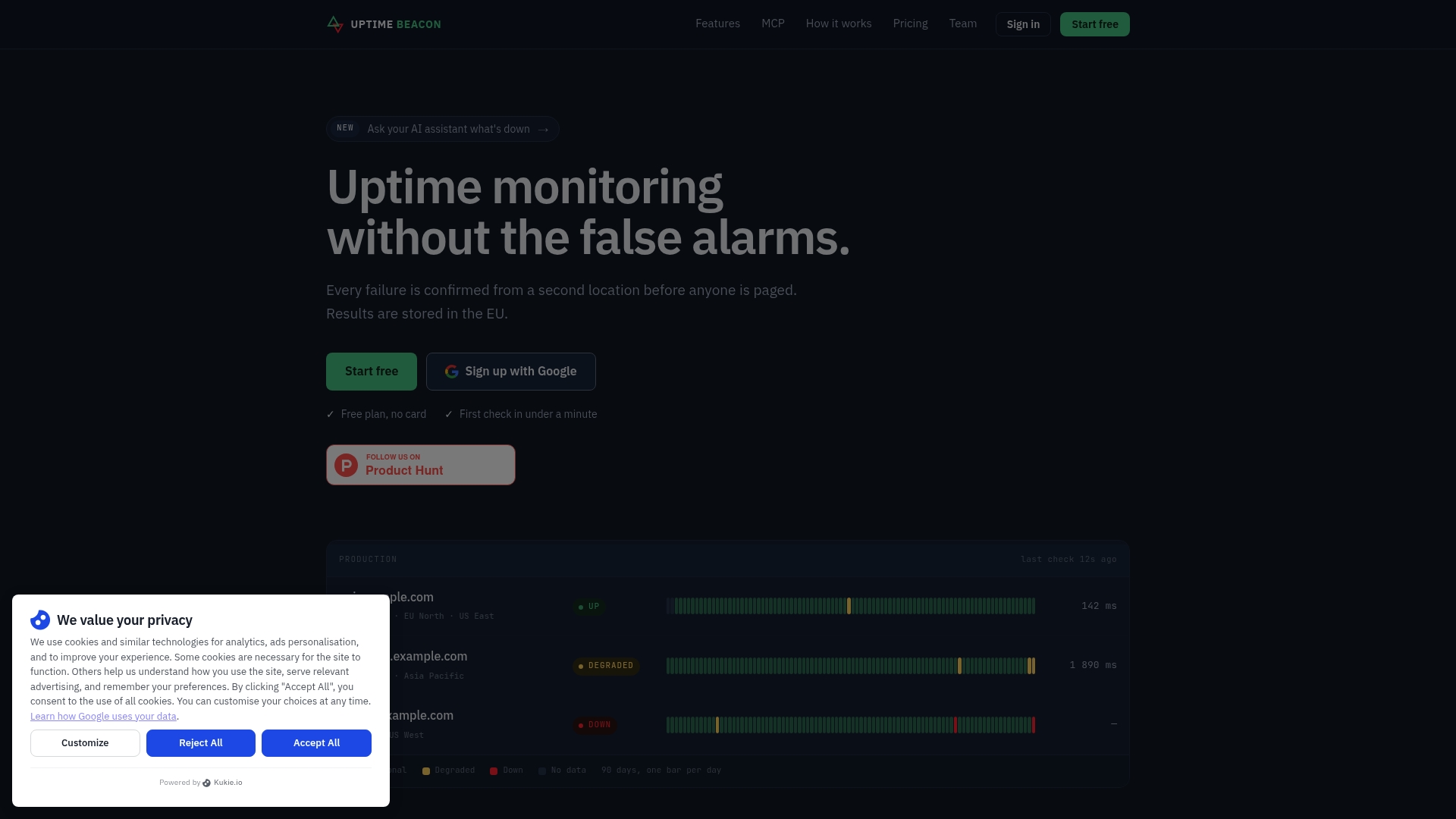
Uptime Beacon is uptime monitoring built for engineers who carry the pager. It checks HTTP endpoints, TCP ports and hosts from five regions: EU Central, EU North, US East, US West and Asia Pacific.
The alerting logic is the point. An incident opens only after several failures in a row, and on paid plans a second location must confirm the failure. A routing hiccup between one probe and your server doesn’t wake anyone. If you want the reasoning behind that design, our guide to setting up uptime monitoring without false alarms walks through it.
What else is included:
- Heartbeat monitoring for cron jobs and background workers
- Certificate and domain expiry watches
- Public status pages that don’t depend on the dashboard, so they stay reachable during an incident
- Maintenance windows on Starter and above
- Email, Slack and webhook alerting
AI assistants over MCP. Connect Claude, ChatGPT, Cursor, VS Code, Codex or any MCP client to https://app.uptimebeacon.eu/mcp, sign in, and you are done. There is no API key. The assistant can read monitors, incidents and check history, and diagnose a failing monitor region by region. When a team turns on “Allow changes”, it can also create, pause and resume monitors, acknowledge incidents and start maintenance windows. Nothing can be deleted over MCP.
Data residency. Every result is stored on a control plane and database in the EU. The service is operated by Wealth Beacon OÜ in Estonia.
Pricing (as published on our site):
| Plan | Price |
|---|---|
| Free | €0 per month: 5 monitors every 5 minutes from EU Central, one alert channel (email or Slack), one status page, no card |
| Starter | €14.99 per month |
| Pro | €39.99 per month |
| Business | €89.99 per month |
| Enterprise | No published price |
Add-ons start at €5 per month: 10 more monitors on Starter for €5, 50 more on Pro for €10, 100 more on Business for €15, and 10 more certificate or domain expiry watches for €5.
Good fit for: on-call engineers, small SaaS companies, DevOps and SRE teams, agencies and freelancers watching client sites, and anyone moving from Pingdom who wants alerts they can trust.

2. Better Stack: monitoring plus logs and incidents
Better Stack combines uptime checks with status pages, incident management and on-call scheduling. According to a 2026 comparison of API monitoring tools, it supports multi-step API checks and includes status pages. It suits teams that want one vendor for uptime, logs and incident workflow and are comfortable with a larger product surface.
If you mainly want reliable uptime alerts and a status page, a focused tool is simpler to roll out. If you want your log search in the same place, Better Stack is the one to look at.
3. UptimeRobot: the big free allowance
UptimeRobot is the usual answer to “I just need a lot of cheap monitors.” Its appeal is the size of its free tier, and its status pages are basic. It works for side projects and personal sites. Teams carrying a pager should look at how it confirms failures and how alerts are routed, because that is where the 3 a.m. pain comes from.
4. StatusCake: a simple free option
StatusCake is a straightforward uptime and speed monitoring service with a free tier. It is a reasonable pick when your needs are a handful of site checks and an email alert. Compare its alert channels and check intervals at the plan level you actually plan to buy.
5. Uptrends: broader synthetic monitoring
Uptrends positions itself directly against Pingdom. Its site highlights transaction recording, API, FTP/SFTP and SSL checks, and support in several languages. It is a candidate when you need scripted user flows and have a budget for a fuller synthetic suite.
6. Site24x7: monitoring beyond the website
Site24x7 goes past website checks into servers, cloud and network. For an IT department that wants one console for everything, that breadth is useful. For a small team that only needs to know whether production is up, the extra surface is more to configure.
7. Uptime Kuma: self-hosted and free to license
Uptime Kuma is a popular open-source tool that offers unlimited monitors and status pages, but you manage the hosting yourself. Running it means looking after a VPS, Docker and updates, and keeping the monitoring server separate from the applications it watches so you don’t lose monitoring when the host goes down.
That last point matters. A single self-hosted instance also checks from one place, so it can’t tell you whether an outage is regional. One research write-up points out that a monitor in Europe can report normal while users in China can’t reach the service.
Gatus is another self-hosted option. It uses declarative YAML configuration, which suits GitOps workflows, but it lacks the point-and-click monitor management that Uptime Kuma has.

How to choose: five questions
Who gets paged, and how often is it a false alarm?
If the answer is “too often”, ask every vendor the same thing: how many consecutive failures open an incident, and does a second location confirm it? Our piece on SaaS uptime monitoring that pages engineers only for real failures covers what a sane policy looks like.
What exactly are you monitoring?
A marketing site needs HTTP checks and a certificate watch. A SaaS backend needs API checks, TCP ports and cron heartbeats. Look at API uptime monitoring: what to check and how to alert before you decide, then make sure the tool you pick covers every item on your list. If you need scripted multi-step user flows, confirm that on the vendor’s page first.
Do your customers see a status page?
A status page hosted on the same stack as your dashboard can go down with it. Prefer one that is independent of the dashboard. For design ideas, see our status page examples.
Where does your data live?
For GDPR-minded teams, ask where check results, logs and the control plane are stored, and who operates the service. Get the answer in writing from the vendor’s own documentation or contract, not from a comparison blog. Uptime Beacon stores every result in the EU and is operated from Estonia.
Who will maintain it?
Self-hosting trades a subscription for your own time. Managed services trade money for that time. For a team of two, the hours spent patching a monitoring VPS often cost more than a Starter plan.
Perspective
Most monitoring tools compete on how many checks they run. We think the better question is how many pages they cause that nobody needed to receive.
A single failed probe is weak evidence. Requiring several failures in a row, then a confirmation from a second region, turns an alert from a guess into a signal. That is why we built incident opening around confirmation, and why the on-call engineer is the person we design for.
The second shift is how engineers now work. You already ask an assistant to explain a stack trace. Asking it which region is failing and since when should be just as normal, which is why MCP access is on every plan, including Free. Changes are opt-in through “Allow changes”, and nothing can be deleted over MCP.
Last, where results live should not be a hard question. Ours are stored in the EU.
Aaditya Parashar
Switching from Pingdom without gaps
A clean migration takes an afternoon if you prepare. Work through this list:
- Export your check list. Note each URL, port, interval and expected status code.
- Sort by type. HTTP, TCP, host, cron and certificate checks map directly to most tools. Scripted transaction checks need a separate look.
- Rebuild alert routing. Recreate email, Slack and webhook destinations. Decide who is paged and who only gets notified. Our downtime notification policy guide helps with the wording and escalation.
- Run both tools for a week. Compare when each one opens incidents. The goal is the same real outages and fewer phantom ones.
- Move the status page last. Update the CNAME or the link in your footer only after the new page shows correct data.
- Add expiry watches. Certificate and domain expiry are easy to forget. Our domain expiry monitoring guide suggests starting 45 days early.
Try Uptime Beacon free
The Free plan gives you 5 monitors every 5 minutes from EU Central, one alert channel (email or Slack) and one status page, with no card. That is enough to mirror your most important checks next to your current tool and see the difference in false alarms. Paid plans start at €14.99 per month on Starter and add second-region confirmation and maintenance windows.
Start on the Uptime Beacon plans page, or read how API and cron monitoring works for SaaS teams.
FAQ
What is the best free alternative to Pingdom?
It depends on what “free” has to cover. UptimeRobot is known for its large free monitor count, StatusCake offers a simple free tier, and Uptime Kuma costs nothing to license but needs your own server. Uptime Beacon’s Free plan includes 5 monitors, one status page and MCP access for AI assistants, with no card required.
Are there Pingdom alternatives with EU data residency?
Yes. Uptime Beacon stores every check result on a control plane and database in the EU and is operated by Wealth Beacon OÜ in Estonia. Whichever vendor you evaluate, ask where results and the control plane are stored and get the answer from the vendor’s documentation or contract.
Can I self-host a Pingdom alternative?
Yes. Uptime Kuma and Gatus are the common self-hosted choices. You take on the VPS, updates and backups, and you should run the monitor on separate infrastructure from the services it watches.
How do I reduce false alarms when I switch?
Choose a tool that requires several consecutive failures and confirms from a second location before opening an incident. Uptime Beacon does this on paid plans. Run the new tool alongside the old one for a week and compare the incident logs.
Does Uptime Beacon work with AI coding assistants?
Yes. Connect Claude, ChatGPT, Cursor, VS Code, Codex or any MCP client to the Uptime Beacon MCP endpoint and sign in, with no API key. The assistant can read monitors, incidents and check history and diagnose failures region by region. With “Allow changes” on, it can also create, pause and resume monitors, acknowledge incidents and start maintenance windows.
Sources
- Best API Monitoring and Uptime Services in 2026, APIScout
- Uptime Kuma on VPS: Setup Guide for Self-hosted Monitoring, iS*HOSTING
- Self-hosted Uptime Kuma monitoring on a VPS, VPS-Craft
- Uptime Kuma vs Gatus vs Statping-ng: Self-Hosted 2026, CloudHostReview


