If you are leaving StatusCake, pick on one question first: how many of your pages will be real? Most monitors check a URL and alert. The better ones confirm a failure before they wake you. Uptime Beacon is our pick because an incident opens only after several failures in a row, confirmed from a second location on paid plans. It also gives every plan, Free included, an MCP server for AI assistants, and it stores every result in the EU.
Below are five realistic options, the criteria that separate them, a migration checklist and the pricing we publish.
TL;DR
- Uptime Beacon is our recommendation: fewer false alarms through repeated failures plus second-location confirmation (paid plans), MCP access on every plan, and EU-only data storage.
- The Free plan costs 0 EUR per month with no card: 5 monitors every 5 minutes from EU Central, one alert channel (email or Slack) and one status page.
- Paid plans are Starter at 14.99 EUR, Pro at 39.99 EUR and Business at 89.99 EUR per month, plus Enterprise with no published price.
- Judge any replacement on alert quality, cron and heartbeat checks, status page independence, alert channels and where your data lives, not on the monitor count alone.
- Move in parallel: run the new tool next to the old one for a week before you cancel.
Table of Contents
- Why engineers look for a StatusCake alternative
- The five options at a glance
- 1. Uptime Beacon: monitoring without the false alarms
- 2. UptimeRobot
- 3. Better Stack
- 4. Pingdom
- 5. Uptime Kuma (self-hosted)
- What to compare before you switch
- Which option fits which reader
- How to move from StatusCake, UptimeRobot, Pingdom or Better Stack
- Our view on false alarms
- Try Uptime Beacon free
- FAQ
- Sources
Why engineers look for a StatusCake alternative
People leave a monitoring tool for a handful of reasons, and it helps to name yours before comparing anything:
- Noisy alerts. A single failed probe from one location pages someone at 3 a.m., and the site was fine.
- Limits that bite. Check intervals, monitor counts or alert channels run out on the plan you are on.
- Missing checks. You now run cron jobs and background workers and need heartbeat monitoring, plus certificate and domain expiry watches.
- Status pages that go down with the product. A status page is useless if it depends on the same dashboard that is failing.
- Data location. An EU company with GDPR obligations wants to know where check results are stored.
- Tooling. You work with an AI coding assistant and want it to read your monitors, not just you.
The options below are ordered with our own first, since it is built around reasons 1, 3, 4, 5 and 6.
The five options at a glance
| Option | Best for | Where it stands out |
|---|---|---|
| Uptime Beacon | On-call engineers, small SaaS teams, EU companies | Failure confirmation before an incident opens, MCP on every plan, EU-only storage |
| UptimeRobot | Hobby projects and basic checks | Long-running, simple uptime checks |
| Better Stack | Teams that want monitoring bundled with incident tooling | Broader incident management suite |
| Pingdom | Teams that already know the brand | Established name in synthetic and uptime checks |
| Uptime Kuma | Teams happy to run their own server | Open source, self-hosted |
We publish our own details below. For the other providers, read their pricing pages directly, because plans and limits change often. We have also written head-to-head guides if you are coming from Pingdom, Site24x7 or Checkly.
1. Uptime Beacon: monitoring without the false alarms
Uptime Beacon is uptime monitoring built for engineers and small teams who run production services and carry the pager. It checks HTTP endpoints, TCP ports and hosts from five regions: EU Central, EU North, US East, US West and Asia Pacific.
How an incident opens
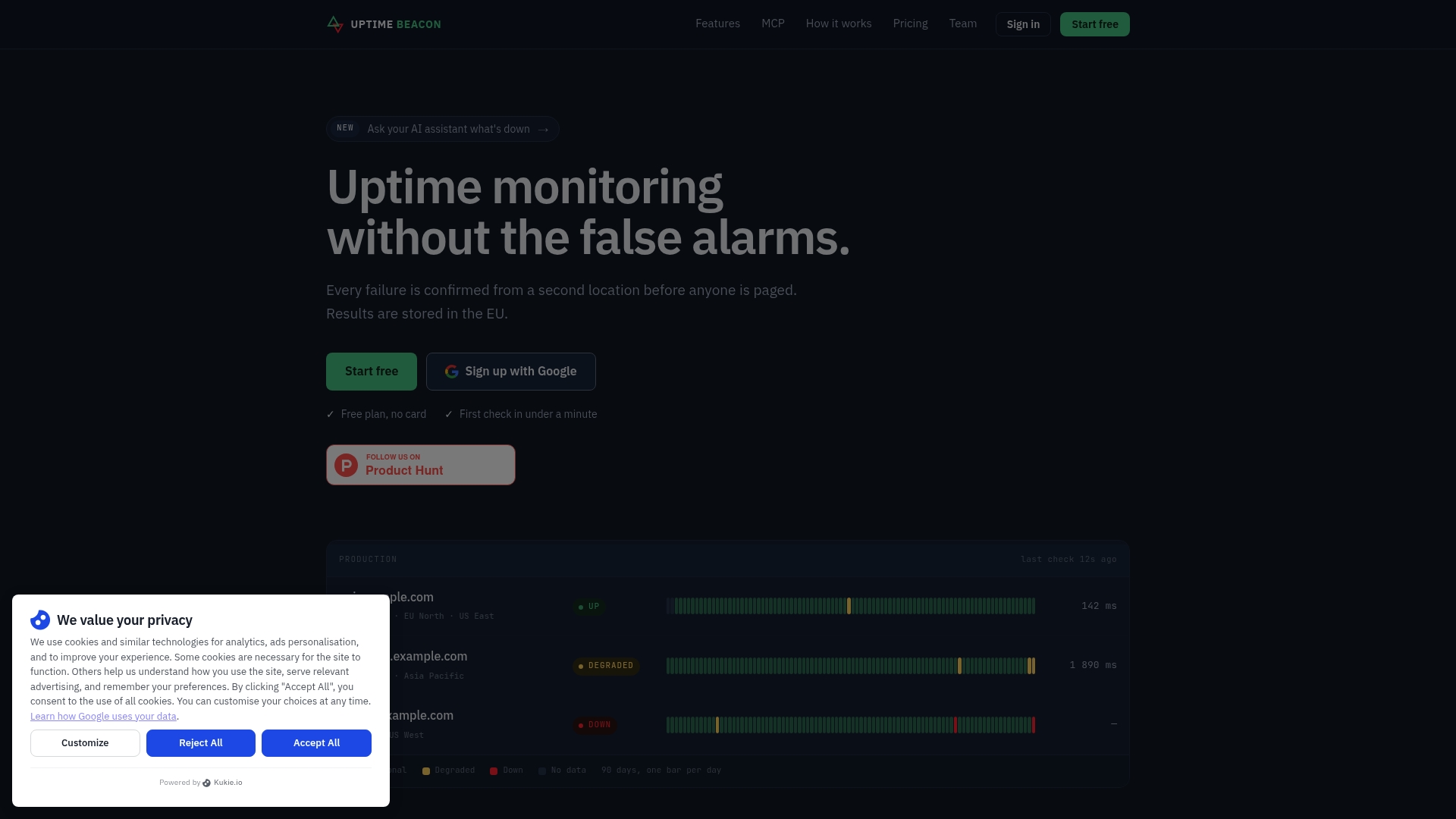
A single failed request is not an incident. Ours opens only after several failures in a row, confirmed from a second location on paid plans. The point is simple: a network blip between one probe and your server should not wake the person on call. If you want the reasoning in more depth, our uptime monitoring guide walks through setting it up without false alarms.

AI assistants over MCP, on every plan
MCP (Model Context Protocol) is the standard that lets AI assistants connect to outside tools. You can connect Claude, ChatGPT, Cursor, VS Code, Codex or any MCP client to https://app.uptimebeacon.eu/mcp and sign in. No API key is needed.

Once connected, the assistant can read monitors, incidents and check history, and diagnose a failing monitor region by region. That last part matters at 2 a.m.: “fails from US East, passes from EU Central” is a very different problem from “fails everywhere.”
If you turn on “Allow changes” for a team, the assistant can also create, pause and resume monitors, acknowledge incidents and start maintenance windows. Nothing can be deleted over MCP. This is available on Free too.
Everything else in the box
- Heartbeat monitoring for cron jobs.
- Certificate and domain expiry watches.
- Public status pages that do not depend on the dashboard.
- Maintenance windows (Starter and above).
- Email, Slack and webhook alerting.
- Detailed incident and recovery reporting.
- Every result stored on a control plane and database in the EU, operated by Wealth Beacon OÜ in Estonia.
The founders have more than 30 years of combined experience running production in banking, fintech, telecom and SaaS. That is their background, and it shaped how the product treats alerts.
Pricing as published
| Plan | Price |
|---|---|
| Free | 0 EUR per month |
| Starter | 14.99 EUR per month |
| Pro | 39.99 EUR per month |
| Business | 89.99 EUR per month |
| Enterprise | No published price |
Add-ons start from 5 EUR per month: 10 more monitors on Starter cost 5 EUR per month, 50 more on Pro cost 10 EUR per month, 100 more on Business cost 15 EUR per month, and 10 more certificate or domain expiry watches cost 5 EUR per month. Prices were read from our site on 8 October 2026.
2. UptimeRobot
UptimeRobot is one of the best-known names in simple uptime checks, which is why many hobby projects start there. If your needs are a handful of URLs and an email when something fails, it fits that job. Teams that outgrow it usually come back to the same questions as above: how alerts are confirmed, what happens with cron jobs, and where data is kept. If you are switching from it, the migration checklist below applies directly.
3. Better Stack
Better Stack pairs uptime monitoring with a wider incident-management and logging suite. That suits teams who want one vendor for several jobs. If what you need is dependable monitoring with quiet pages and an assistant that can diagnose failures for you, a focused tool is the cleaner fit, and Uptime Beacon’s MCP server gives you that on every plan.
4. Pingdom
Pingdom is the long-established brand in website monitoring, and many teams inherit it from a previous era of their stack. When they review it, they usually compare price per monitor, alert noise and the cost of adding regions. We cover those trade-offs in a dedicated Pingdom alternatives comparison.
5. Uptime Kuma (self-hosted)
Uptime Kuma is an open-source monitor you run yourself. It costs you a server and your own maintenance time. It also has a structural weakness for any monitor: if it runs on the same infrastructure as your product, an outage can take the monitor down with it, and a single location cannot tell you whether the problem is regional. A hosted service that checks from five regions answers that out of the box.
What to compare before you switch
A monitor count and a price are the easy numbers. These are the criteria that decide whether you will keep the tool in a year.
Alert quality
Ask how many failures it takes to open an incident and whether a second location confirms it. This is the single biggest driver of pager fatigue. With Uptime Beacon, an incident opens after several failures in a row and, on paid plans, is confirmed from a second location.
Cron jobs and background workers
A website check cannot tell you that a nightly job never ran. A heartbeat monitor works the other way round: your job pings the monitor on success, and silence raises the alert. Uptime Beacon includes heartbeat monitoring for cron jobs. Our cron job monitoring guide explains how confirmation cuts false alerts there too, and the SaaS use case page shows how API and cron checks fit together.
Expiry watches
Expired certificates and lapsed domains are avoidable outages. Look for both certificate and domain expiry tracking, and check how many watches each plan includes. Ours are included, with 10 more available for 5 EUR per month.
Status pages
Check whether the status page stays up when your dashboard or product is down. Ours do not depend on the dashboard. The Free plan includes one status page.
Alert channels
List the places your team actually responds: email, Slack, webhooks. Free includes one channel (email or Slack), and paid plans support the broader set including webhooks.
Core feature checklist
For a neutral view of what to put on a monitoring checklist, this overview of proactive IT monitoring services explains why catching problems before users do is the point of the whole exercise.
Data location
If your customers or auditors ask where monitoring data sits, a precise answer helps. Uptime Beacon stores every result on a control plane and database in the EU. The EU Data Act, which applies from 12 September 2025, adds portability and anti lock-in duties for data processing services, as summarized here. Location alone does not settle compliance, and our EU data residency guide covers six questions beyond it.
Which option fits which reader
| If you are… | Start with |
|---|---|
| An on-call engineer tired of 3 a.m. blips | Uptime Beacon on Starter or Pro, for second-location confirmation |
| A solo developer or indie hacker | Uptime Beacon Free: 5 monitors, one status page, MCP included |
| A developer using Claude Code, Cursor or Codex | Uptime Beacon, so your assistant can read monitors and diagnose region by region |
| A small SaaS team with cron jobs | Uptime Beacon with heartbeat monitoring and API checks |
| An agency or freelancer running client sites | Uptime Beacon, with a status page and expiry watches for each client |
| An EU company with GDPR obligations | Uptime Beacon, for EU-only storage |
How to move from StatusCake, UptimeRobot, Pingdom or Better Stack
- Export your list. Write down every URL, port, check interval, keyword check and alert contact. Note which ones page a human and which only email.
- Sort by importance. Customer-facing endpoints and payment APIs first, internal tools last. The Free plan covers 5 monitors every 5 minutes, which is enough to trial the most critical ones.
- Recreate monitors. With “Allow changes” turned on, your assistant can create monitors for you over MCP. You review what it made before relying on it.
- Add heartbeats. For each cron job, add a heartbeat monitor and have the job ping it when it succeeds.
- Add expiry watches. Create certificate and domain watches for every public hostname.
- Rebuild the status page. Point your team and customers to the new page and update any links in your product or docs.
- Run both in parallel for a week. Compare which tool alerted, and when. Count how many alerts were real.
- Cancel the old plan. Do it after the quiet week, not before.
Our view on false alarms
Most monitoring tools are built to tell you something failed. We built ours to tell you something is actually wrong. Those are different promises, and the gap between them is the pager going off for nothing.
That is why an incident on Uptime Beacon opens only after repeated failures, and on paid plans only after a second location agrees. Engineers who carry the pager know the cost of a false alarm: lost sleep, and over time, a habit of ignoring alerts.
The second thing we care about is that your assistant should work where you work. MCP on every plan, Free included, means Claude, ChatGPT, Cursor or VS Code can read your monitors and diagnose a failure region by region. Changes need your explicit permission, and nothing can be deleted.
Data residency comes last on our list, but it matters: every result lives in the EU.
Aaditya Parashar
Try Uptime Beacon free
The Free plan gives you 5 monitors every 5 minutes from EU Central, one alert channel (email or Slack) and one status page, with no card. Starter is 14.99 EUR per month, Pro 39.99 EUR and Business 89.99 EUR. You can start on the Uptime Beacon plans page, connect your assistant over MCP and see the first region-by-region diagnosis the same day.
FAQ
What is the best StatusCake alternative?
For engineers who carry a pager, we recommend Uptime Beacon. An incident opens only after several failures in a row, confirmed from a second location on paid plans. It also offers MCP access for AI assistants on every plan, and stores results in the EU.
Is there a free StatusCake alternative?
Yes. Uptime Beacon’s Free plan costs 0 EUR per month with no card. It includes 5 monitors every 5 minutes from EU Central, one alert channel (email or Slack) and one status page. MCP access for AI assistants is included.
Can I monitor cron jobs and background workers?
Yes. Uptime Beacon includes heartbeat monitoring: your job pings a monitor when it finishes, and a missing ping raises an alert. You can also watch certificate and domain expiry, with 10 more watches available for 5 EUR per month.
Can an AI assistant change my monitors?
Only if you allow it. With “Allow changes” turned on for a team, an assistant can create, pause and resume monitors, acknowledge incidents and start maintenance windows. Nothing can be deleted over MCP.


