If you are replacing Freshping, pick a monitor that confirms a failure before it pages anyone, works with the tools you already use, and keeps a usable free tier. Our pick is Uptime Beacon. An incident opens only after several failures in a row, confirmed from a second location on paid plans. The Free plan gives you 5 monitors, a status page and AI assistant access over MCP, with no card.
Freshping was a simple free site checker, and people liked it for that. Users on r/sysadmin are now discussing its retirement and trading replacement ideas. Below is how the realistic options differ, who each one suits, and how to move your checks over without a gap in coverage.
TL;DR
- Freshping is being retired, so plan the switch now and run the new monitor in parallel before you turn the old one off.
- Uptime Beacon is the pick for on-call engineers: incidents open after repeated failures confirmed from a second region, so a network blip does not wake you.
- MCP access to Claude, ChatGPT, Cursor, VS Code or Codex is included on every plan, Free included. Nothing can be deleted over MCP.
- The Free plan is 5 monitors every 5 minutes from EU Central, one alert channel (email or Slack) and one status page. Paid plans start at €14.99 per month.
- Every result is stored on a control plane and database in the EU, which matters for teams with GDPR requirements.
Table of Contents
- What you actually need to replace
- The main Freshping alternatives compared
- Uptime Beacon: fewer false alarms first
- AI assistants over MCP, on every plan
- EU data residency, for teams that need it
- Pricing: what the switch costs
- Which option fits which team
- How to migrate from Freshping without a gap
- Our view on why most alternatives still miss
- Start on the Free plan
- FAQ
- Sources
What you actually need to replace
Freshping did three things for most people: it pinged a URL, emailed or messaged when it failed, and showed a small public status page. A replacement has to cover those. Most teams also found gaps they had lived with, so this is a good moment to fix them.
Write down your list before you compare tools:
- Monitor types. Websites, API endpoints, TCP ports and hosts. If you run cron jobs or background workers, add heartbeat monitoring, where the job pings the monitor and silence raises the alert.
- Alert quality. How the tool decides something is really down. This is the difference between a useful pager and a noisy one.
- Alert channels. Email, Slack and webhooks cover most teams.
- Status page. Does it stay up when your own stack is down?
- Expiry watches. Certificates and domains expire quietly and take sites down with them.
- Where the data lives. For EU companies, this is a compliance question, not a preference.
- Free tier. If you ran Freshping at no cost, you probably want to start at no cost again.
The main Freshping alternatives compared
Free plans across this category differ in which monitor types they include and what limits they set. One comparison of free uptime tools lists UptimeRobot, Better Stack, StatusCake and Checkly among them, with check intervals that range from 20 seconds to 5 minutes. Because limits and prices change often, confirm the current numbers on each vendor’s pricing page before you commit.
| Option | Best fit | What stands out |
|---|---|---|
| Uptime Beacon | On-call engineers, small SaaS teams, EU companies | Failure confirmation from a second region, MCP on every plan, EU-only storage, Free plan with no card |
| UptimeRobot | Anyone who wants the familiar, long-running free monitor | A widely known free tier for simple website checks |
| Better Stack | Teams that want uptime and incident management together | Broader on-call tooling around monitoring |
| StatusCake | People who liked Freshping’s simplicity | Positions itself as a natural Freshping replacement |
| Checkly | Developers who test with scripts and browser flows | Code-driven checks rather than simple pings |
| Pulsetic | Small sites that want monitoring and status pages in one place | Built-in status pages |
| Phare | Developers who want an actively developed tool | Presents itself as the actively maintained successor to Freshping |
One caution applies to every row except the first: these are summaries of the category, and each vendor’s own page is where the current plan limits live. Next, why we put Uptime Beacon first.
Uptime Beacon: fewer false alarms first
The most common reason an engineer distrusts a monitor is a page at 3 a.m. for a failure that lasted four seconds. A single failed request from one place proves very little. It could be a dropped packet on the monitor’s side, a DNS hiccup, or a brief routing problem.
Uptime Beacon is built around that problem. An incident opens only after several failures in a row, and on paid plans the failure is confirmed from a second location before it counts. Checks run from five regions: EU Central, EU North, US East, US West and Asia Pacific. The idea of repeating a check before trusting one result is common sense in monitoring, as this piece on proxy uptime monitoring samples also shows. We apply it to alerting itself, so the person on call gets a page only for a failure that is real.
If you want the longer version of how to configure this well, our uptime monitoring guide walks through thresholds and alert routing, and the piece on SaaS uptime monitoring covers paging only for real failures.
What it monitors
- HTTP endpoints, TCP ports and hosts, from the five regions above.
- Heartbeat monitoring for cron jobs and background workers.
- Certificate and domain expiry watches.
- Public status pages that do not depend on the dashboard, so they stay reachable during an incident.
- Maintenance windows on Starter and above, so planned work does not look like an outage.
- Alerts by email, Slack and webhook.
For API-heavy products, see what to check and how to alert on API endpoints, and the API and cron monitoring page for SaaS teams for the setup we built for that case.
AI assistants over MCP, on every plan
The second reason to choose us is how you work with the monitor. Many developers now keep an AI coding assistant open all day. With Uptime Beacon you connect Claude, ChatGPT, Cursor, VS Code, Codex or any MCP client (MCP is the Model Context Protocol, a standard way for assistants to use outside tools) to https://app.uptimebeacon.eu/mcp, sign in, and you are done. There is no API key to create or rotate.
Once connected, the assistant can read your monitors, incidents and check history. It can also diagnose a failing monitor region by region, which turns “is it us or the network?” into a question you can ask in plain language.
Write access is opt-in. With “Allow changes” turned on for a team, the assistant can create, pause and resume monitors, acknowledge incidents and start maintenance windows. Nothing can be deleted over MCP, so a mistaken instruction cannot remove your monitoring.
This is available on the Free plan too. A solo developer or a vibe coder can ask an assistant to add a monitor for a new endpoint right after deploying it, without leaving the editor.

EU data residency, for teams that need it
For many European companies, where monitoring data is stored is part of vendor review. Uptime Beacon stores every result on a control plane and database in the EU. The service is operated by Wealth Beacon OÜ in Estonia. If your customers or auditors ask where operational data sits, you can answer without a diagram of cross-border transfers.
That sits alongside the five check regions. Monitoring from US East or Asia Pacific is about where checks are sent from, so you can see how your service looks to users in those places. Stored results stay in the EU.
Pricing: what the switch costs
All prices below are those published on our site.
| Plan | Price |
|---|---|
| Free | €0 per month |
| Starter | €14.99 per month |
| Pro | €39.99 per month |
| Business | €89.99 per month |
| Enterprise | No published price |
Add-ons start at €5 per month. For more capacity, 10 more monitors on Starter cost €5 per month, 50 more on Pro cost €10 per month, and 100 more on Business cost €15 per month. Ten more certificate or domain expiry watches cost €5 per month.
The Free plan covers 5 monitors every 5 minutes from EU Central, one alert channel (email or Slack) and one status page. Second-region confirmation and maintenance windows are part of the paid plans.

Which option fits which team
On-call engineers and SRE teams. Alert quality decides everything. Look for repeated-failure rules and second-location confirmation. That is where we put our effort.
Solo developers, indie hackers and founders. Start on Free. You get a status page and MCP access from day one, and you can move up when you need more monitors.
Agencies and freelancers. You manage many client sites and need to know about problems before the client does. Monitor count matters here, and the monitor add-ons let you scale in small steps. For shop clients, see our online shop monitoring page.
Teams with cron jobs and workers. Heartbeat monitoring catches the job that silently stops running, which a simple ping never sees.
Teams coming from UptimeRobot, Pingdom or Better Stack. If you are comparing against those, we have separate guides: Better Stack alternatives, Pingdom alternatives, Site24x7 alternatives and Checkly alternatives. If your main need was the public page, read our Statuspage alternatives and status page examples.
EU companies with GDPR requirements. Ask every vendor where results are stored and which entity operates the service. We answer that: EU storage, operated from Estonia.
How to migrate from Freshping without a gap
There is no need to wait for the shutdown. A parallel run takes under an hour for a small account.
- Export your list. Write down every URL, its check interval and who gets the alerts. Freshping accounts tend to collect forgotten checks, so decide which ones still matter.
- Group by type. Mark which are websites, which are APIs, which are ports and which are really cron jobs that deserve a heartbeat instead of a ping.
- Create the monitors. In Uptime Beacon you can add them in the dashboard, or connect your AI assistant over MCP and ask it to create them. With “Allow changes” on, it can create monitors for you.
- Set one alert channel. Free includes one channel, email or Slack. Send alerts to where someone will actually see them.
- Rebuild the status page. Create the public page and point your status subdomain to it when you are ready.
- Add expiry watches. Add your certificates and domains while you are at it.
- Run both for a week. Compare incidents. When the new monitor has caught everything the old one did, switch the old one off.
- Tell your team. Update the runbook so the on-call person knows where alerts come from and where to look.
The common mistakes are moving only the homepage and forgetting API endpoints, leaving alerts going to a former employee’s inbox, and forgetting that a status page link is printed in customer docs.
Our view on why most alternatives still miss
Most tools that replace Freshping copy its simplicity and keep its weak spot: a single failed check can still start an incident. We built Uptime Beacon for people who carry the pager, so an incident opens only after several failures in a row, confirmed from a second region on paid plans.
We also think monitoring should meet developers where they work. That is why the MCP server is on every plan, Free included. You ask your assistant why a monitor is failing, and it answers region by region. If you allow changes, it can pause a monitor or start a maintenance window. Nothing can be deleted.
Our founders have 30+ years combined running production in banking, fintech, telecom and SaaS. That shaped the product: a status page that does not depend on the dashboard, results stored in the EU, and a free plan that needs no card.
Aaditya Parashar
Start on the Free plan
Uptime Beacon’s Free plan includes 5 monitors every 5 minutes from EU Central, one alert channel (email or Slack), one status page and MCP access for your AI assistant. There is no card to enter. If you outgrow it, Starter costs €14.99 per month, and you can see every plan on the Uptime Beacon pricing page.
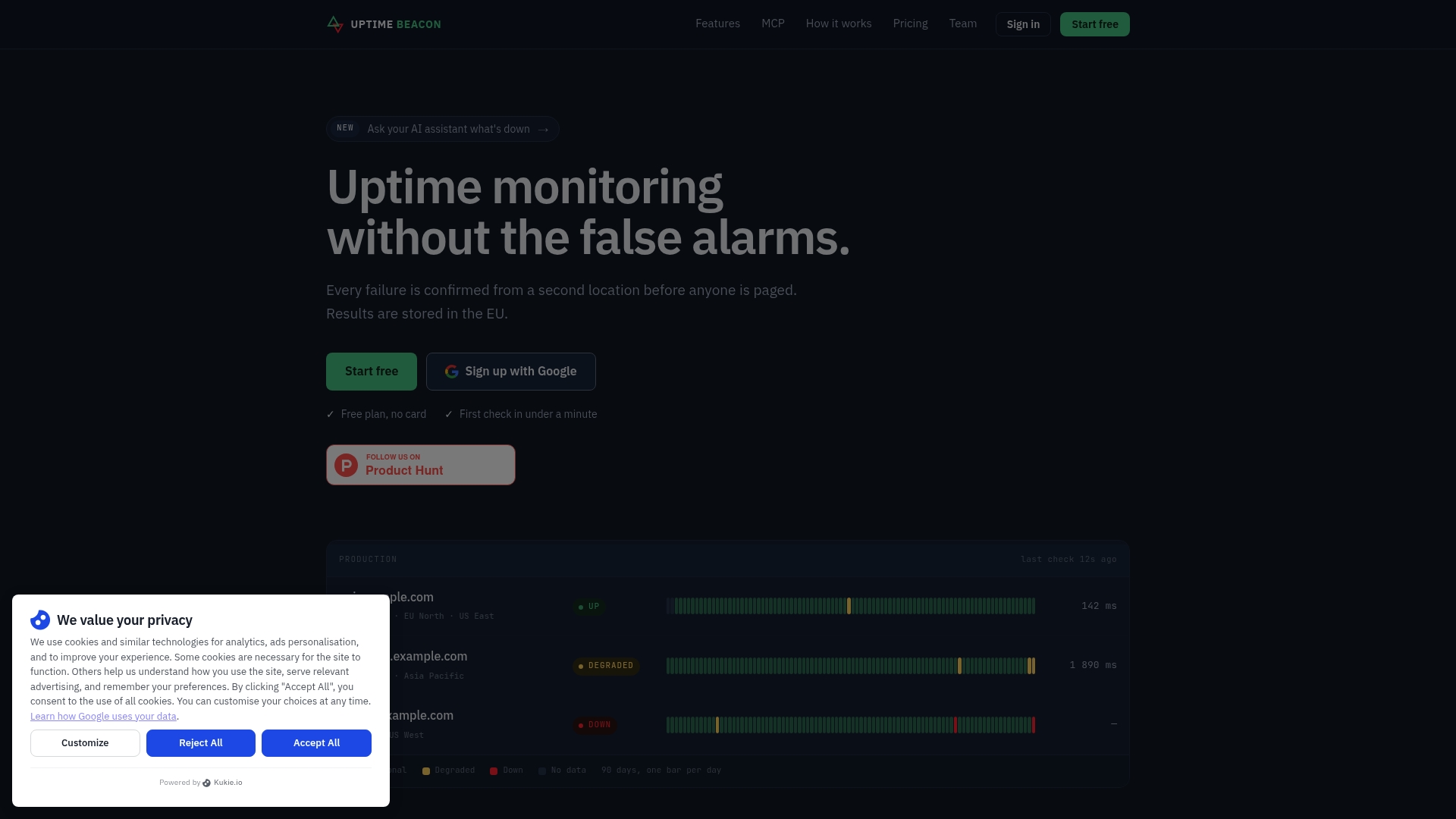
Teams that run APIs and scheduled jobs can start from the SaaS monitoring page.
FAQ
Why are people leaving Freshping?
Freshping is being retired, and the discussion on r/sysadmin shows users looking for replacements. Check Freshworks for the exact schedule, then move your checks while the old tool still works so you can compare results side by side.
What is the best free Freshping alternative?
For engineers who carry a pager, we recommend Uptime Beacon’s Free plan: 5 monitors every 5 minutes, one alert channel, one status page and MCP access, with no card. Other free tiers exist, and a comparison of free tools shows their limits vary, so compare monitor counts and intervals against your list.
Does Uptime Beacon store data in the EU?
Yes. Every result is stored on a control plane and database in the EU. The service is operated by Wealth Beacon OÜ in Estonia. Checks can still run from five regions, including US East, US West and Asia Pacific.
Can I monitor cron jobs?
Yes. Heartbeat monitoring watches scheduled jobs and background workers: the job reports in, and a missed report raises an alert. Together with HTTP, TCP and host checks, it covers most of what a small team runs.
Can my AI assistant change my monitors?
Only if you allow it. By default the assistant can read monitors, incidents and check history. With “Allow changes” turned on for a team, it can create, pause and resume monitors, acknowledge incidents and start maintenance windows. Nothing can be deleted over MCP.
Sources
- Freshping is being retired (r/sysadmin)
- Free Uptime Monitoring: 10 Best Free Tools Compared (2026)
- Proxy Uptime Monitoring: Run 3 to 5 Samples, Not One


