Alert deduplication means recognizing that several alerts describe the same underlying problem and turning them into one alert or incident, so the on-call engineer is paged once instead of twenty times. Done well, it cuts noise without hiding anything. Done badly, it merges two different outages into one, or lets a stale incident swallow a new failure. This guide covers how it works, how to configure it, how to test it, and where it stops being the right tool.
TL;DR
- Deduplication collapses repeats of the same condition into one incident. Correlation, grouping, suppression and silencing are different tools that solve different noise problems.
- Everything hinges on the dedup key: unique per condition, stable across repeats, and never so broad that unrelated failures share it.
- Add a time window and a rule for what happens when an alert resolves and fires again (reopen or start fresh).
- The cheapest noise reduction happens before the alert exists: confirm a failure from a second location and require several failures in a row.
- Test your rules on purpose, and when in doubt, fail toward paging, not silence.
Table of Contents
- What alert deduplication actually is
- Deduplication vs. grouping, correlation, suppression and silencing
- How dedup keys, windows and reopening work
- Prevent the duplicate before it exists
- A practical setup, step by step
- Testing your rules
- Mistakes that hurt on-call teams
- Our perspective
- Where Uptime Beacon fits
- FAQ
- Sources
What alert deduplication actually is
A monitoring system checks a thing every minute. The thing breaks. Without deduplication, every failed check can produce its own notification. Rootly describes deduplication as identifying repeated notifications about the same condition and combining them into a single alert or incident record. Repeats come from monitoring retries, repeated health checks, and several tools flagging the same resource.
The mechanism is simple. A new alert arrives with an identifier. The system checks whether an open alert already has that identifier. If so, it updates the existing one (a higher occurrence count, a fresh last-seen time) instead of creating another page. Firefight’s documentation describes exactly this: repeated firings stay on one alert, with a rising fire count, and trigger no new routing or message.
The responder still sees that the problem is continuing. They just aren’t interrupted by it again.
Deduplication vs. grouping, correlation, suppression and silencing
These terms get used interchangeably in vendor docs, which is where most confusion starts. They are separate layers of one pipeline:
| Technique | What it does | Example |
|---|---|---|
| Deduplication | Merges repeats of the same condition into one alert | Ten failed checks of /health become one incident with a count of ten |
| Grouping | Bundles alerts of similar nature into one notification | One page listing every affected instance in a cluster |
| Correlation | Connects different alerts using context such as timing, ownership or dependencies | A database alert and five API alerts linked as one event |
| Suppression / inhibition | Mutes alerts while another alert is firing | Skip “service slow” pages while “host down” is active |
| Silencing | Mutes matching alerts for a set time | A planned maintenance window |
The distinction between deduplication and correlation is the one that matters most. Rootly frames deduplication as collapsing repeated alerts for the same condition, while correlation uses broader context to connect different alerts. BigPanda’s glossary similarly treats deduplication, correlation and suppression as complementary layers that tackle noise at different stages.
The Prometheus project’s Alertmanager is a good concrete example of the bundle. Its documentation says it handles deduplicating, grouping and routing alerts to receivers, and also handles silencing and inhibition. AWS’s managed version spells out the last two: inhibition suppresses notifications while another alert is firing, and silences mute matching alerts for a specified time, such as during maintenance.
How dedup keys, windows and reopening work
The dedup key
The key is the whole game. Rootly’s alert docs say deduplication relies on a stable unique identifier to check whether an incoming alert matches an existing open one. FireHydrant adds the rule that keys should be unique per alert condition and consistent across occurrences.
PagerDuty is the best-known implementation. Its Event Management documentation describes a case-sensitive dedup_key: if a matching key already has an open incident, the new event is appended to that incident’s alert log rather than creating another one. Send no key and PagerDuty generates a unique one, so nothing deduplicates.
A good key names the condition, not the event:
- Good:
checkout-api:http-5xx:production - Too narrow:
checkout-api:http-5xx:2026-10-27T03:14:07Z(a new key every time, so no dedup) - Too broad:
checkout-api(a latency alert and a certificate alert would share one incident)
A community thread on the PagerDuty forum shows the too-broad failure: someone created an incident with a very general key, and later similar alerts were absorbed into it. That is the dangerous direction, because a real new failure gets hidden.
The time window
A window defines how long alerts with the same key are grouped. In FireHydrant’s model, after the window expires, new signals create a new alert. PagerDuty’s Unified Alert Grouping goes a step further: alerts group only when both content similarity and the time window match.
Short windows risk duplicate pages for a slow-burning problem. Long windows risk gluing yesterday’s incident onto today’s.
Resolved, then firing again
The awkward case is a flapping condition. Firefight handles it by reopening: if a firing arrives within the source’s configurable flap window after the same fingerprint resolved, it reopens the resolved alert instead of creating a new one. FireHydrant documents a related idea for cost alerts: hysteresis, which requires the metric to stay below a lower recovery threshold for a sustained delay before resolving.
Whichever you pick, decide it deliberately. Reopening keeps history in one place. A fresh incident gives a clean timeline and a clean MTTR. If you track recovery metrics, our piece on mean time to recovery shows how one outage can produce three different numbers depending on how incidents are split.
Prevent the duplicate before it exists
Most deduplication guides start downstream, with the pipeline. For uptime monitoring, the better lever is upstream: make the check itself less trigger-happy.
A single failed HTTP check is weak evidence. It could be a dropped packet between one probe and your server. Two defenses cost almost nothing:
- Require consecutive failures. One failed check is a data point, not an incident.
- Confirm from a second location. If the failure is real, a probe in another region sees it too. If only one region fails, you have a routing or network problem near the probe, which is no reason to wake anyone.
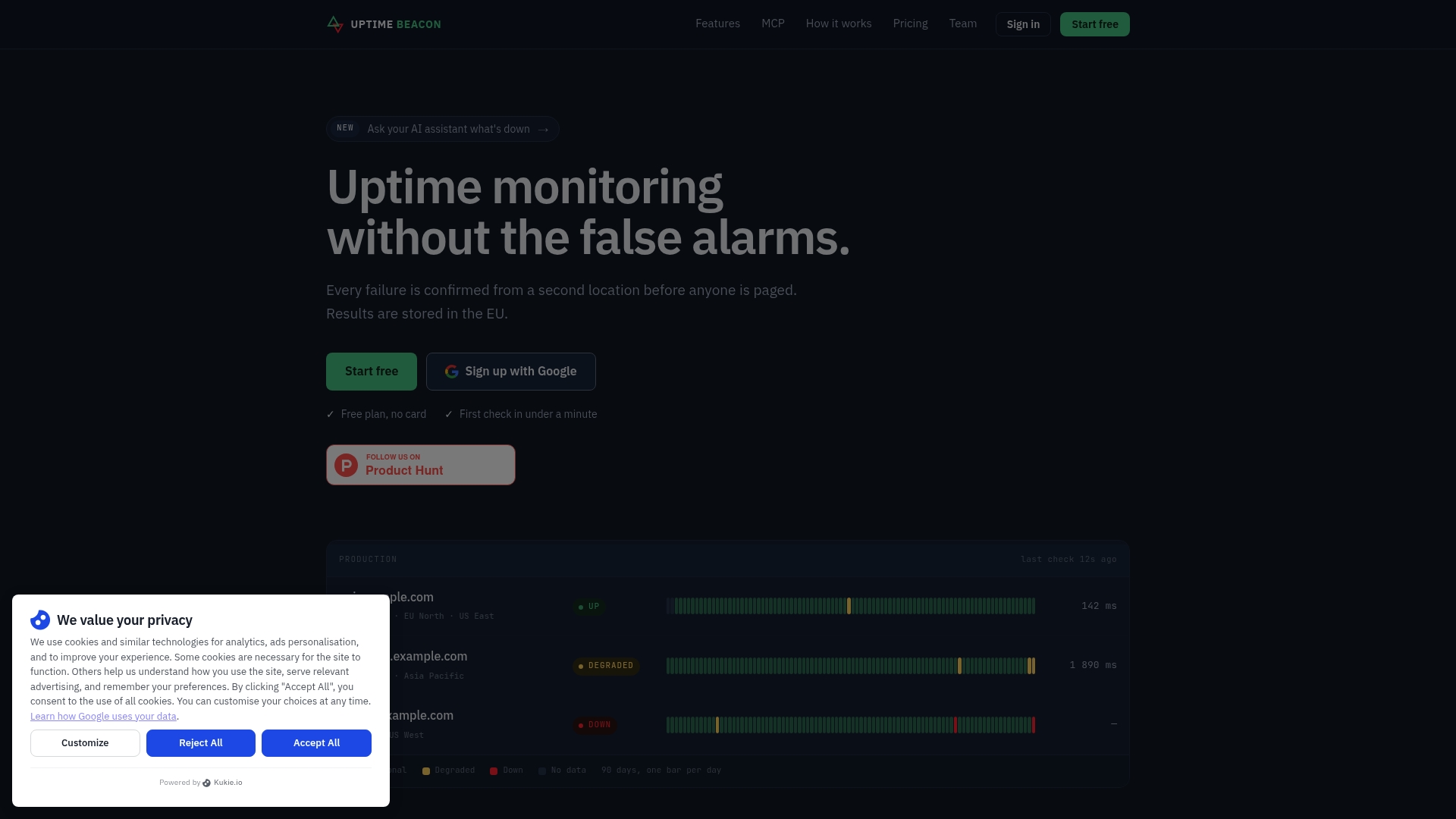
This is how Uptime Beacon works. An incident opens only after several failures in a row, confirmed from a second location on paid plans. There is no stream of duplicates to collapse, because the alert doesn’t fire until the failure is credible. We go deeper on the pattern in SaaS uptime monitoring that pages only for real failures, and on the two-location idea for scheduled jobs in cron job monitoring.
The same logic applies to slow-moving signals. Certificates don’t need more alerts, they need a second location to confirm what you are seeing.
Upstream confirmation and downstream deduplication complement each other. Confirmation stops false alarms. Deduplication stops one real alarm from repeating.
A practical setup, step by step
AWS’s prescriptive guidance for EKS recommends layering controls rather than relying on one: eliminate low-value alerts, correlate related issues, use Alertmanager for routing and deduplication, and apply suppression or maintenance windows for known issues. Here is that, made concrete.
- Inventory your alert sources. List every tool that can page about the same service: uptime checks, metrics, logs, cloud alarms. Overlap between them is the main source of duplicates.
- Pick one deduplicating system. One write-up on hardening on-call noise rules recommends choosing a single place for dedup, for example Alertmanager for grouping and PagerDuty for routing and escalation. Two systems both deduplicating with different keys will disagree.
- Define keys per condition. Write them down in a naming scheme: service, signal, environment. Keep them lowercase and consistent, since PagerDuty’s key is case-sensitive.
- Set the window and reopen rule. Start from how long your typical incident lasts. Err toward a window shorter than your typical resolution time.
- Use maintenance windows, not dedup, for planned work. Deduplication is not the right tool for expected noise. Silencing is.
- Extract keys from payloads where tools can’t send one. PagerDuty Event Rules can pull payload fields into the dedup key, though note that Rulesets reached end of life on January 31, 2025, so check current docs before building on them.
- Review monthly. Look at incidents with unusually high occurrence counts, and at incidents with several unrelated alerts inside.
Testing your rules
Deduplication has two failure modes, and you have to test for both.
Over-merging hides real incidents. Test it by triggering two different conditions on the same service, say a latency alert and a 5xx alert, and confirming you get two incidents. Then resolve one and confirm the other stays open.

Under-merging pages people repeatedly. Fire the same condition ten times inside the window and confirm there is one incident with a count of ten. Then fire it again just after the window and confirm what you expect: a new incident, or a reopened one.
A subtler bug appears in homegrown pipelines. If several workers each keep their own in-process dedup state, they can all send the same page. The how2.sh write-up describes the fix: shared Redis state with an atomic SET NX claim so only one worker wins the key.
If you use a commercial tool, look for an alert log. incident.io, for instance, lets you filter alert requests by deduplication key, which is exactly the view you need when debugging a merge that surprised you.
Mistakes that hurt on-call teams
- Keys that include timestamps or random IDs. Nothing ever matches.
- Keys that are just the service name. Everything matches.
- Dedup in two places. Different keys, different windows, confusing results.
- Treating dedup as a fix for a noisy check. If a check flaps, fix the check. A flapping monitor with deduplication still opens and closes incidents all night.
- Silent failure of the dedup layer. If acknowledgement or dedup logic breaks, the safe default is to keep paging. The how2.sh guide treats a missing acknowledgement as unacknowledged, so the escalation ladder keeps going. A noisy night is better than a missed outage.
Our perspective
We build uptime monitoring, and we think the industry spends too much effort cleaning up alerts that should never have been sent. Deduplication is necessary, but it is a repair. The better fix is a monitor that doesn’t claim an outage until it has real evidence: several failures in a row, then a second region agreeing. When that holds, the incident list is short and every entry deserves a human.
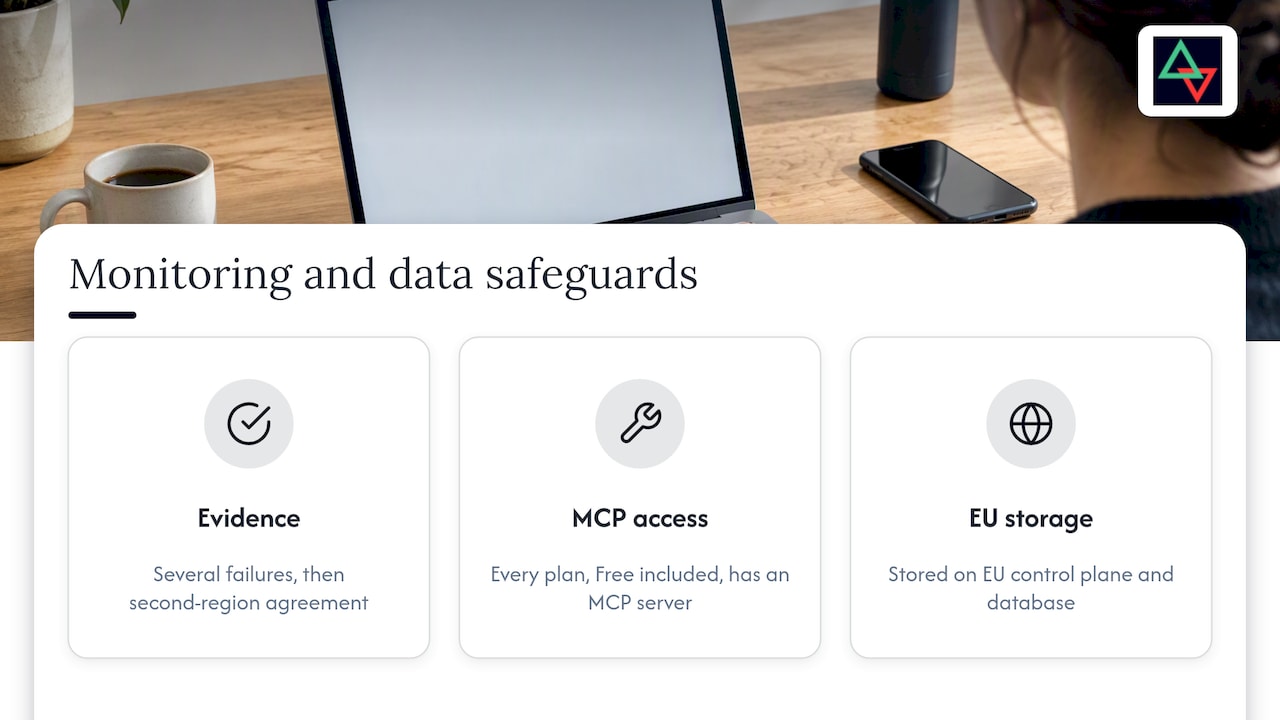
We also think responders shouldn’t have to dig through check history by hand. Every Uptime Beacon plan, Free included, comes with an MCP server, so an assistant such as Claude, ChatGPT or Cursor can read monitors, incidents and check history and diagnose a failing monitor region by region. With “Allow changes” enabled for a team, it can acknowledge incidents or pause a monitor. Nothing can be deleted over MCP. For how this fits an on-call workflow, see AI incident response for on-call teams.
Last, a note on where alert data lives. Alerts carry hostnames, URLs and sometimes customer identifiers, and your dedup history is an audit trail of what happened and when. Every result we store sits on a control plane and database in the EU, which makes the question of where that record lives easy to answer for teams with GDPR obligations. Whatever tool you choose, ask the same: where is the incident history stored, how long, and who can read it?
— Aaditya Parashar
Where Uptime Beacon fits
Uptime Beacon is not a replacement for a full event-correlation platform, and it doesn’t try to be. It handles the front of the pipeline: HTTP, TCP and host checks from five regions (EU Central, EU North, US East, US West, Asia Pacific), with incidents that open only after repeated, confirmed failures. Alerts go to email, Slack or webhooks, and public status pages stay up even when the dashboard doesn’t.
The Free plan gives you 5 monitors every 5 minutes from EU Central, one alert channel and one status page, with no card. Starter is €14.99 per month, Pro €39.99 and Business €89.99, and extra monitor packs start at €5 per month. Second-location confirmation and maintenance windows are on paid plans (maintenance windows from Starter).
If you run APIs and background jobs, the SaaS use case page shows the setup, or you can start on the Free plan and see how few incidents a confirmed-failure monitor actually opens.
FAQ
Is alert deduplication the same as alert suppression?
No. Deduplication merges repeats of the same condition into one alert, so the history stays visible. Suppression or inhibition mutes notifications on purpose, for example while a parent alert is already firing, and silences mute matching alerts for a set time such as maintenance.
What makes a good deduplication key?
A good key identifies the condition, not the moment: service, signal and environment, written the same way every time. If it changes on every occurrence, nothing merges. If it covers a whole service, unrelated problems get hidden in one incident.
Can deduplication hide a real outage?
Yes, when keys are too broad or windows too long. A new failure can be appended to an old open incident and never page anyone. Test with two different conditions on one service, and design your pipeline to fail toward paging rather than silence.
Do I still need deduplication if my monitor confirms failures first?
Often less of it, but you still want it. Confirming a failure from a second location and requiring several failures in a row removes false alarms. Deduplication still keeps one genuine, ongoing outage from producing repeated pages, especially if several tools watch the same service.
Sources
- Alert deduplication and correlation: how modern teams reduce noise (Rootly)
- Alert deduplication and grouping (Firefight)
- Alert Deduplication: Definition and How It Works (BigPanda)
- Alertmanager (Prometheus documentation)
- Managing and forwarding alerts in Amazon Managed Service for Prometheus
- Alert Deduplication (Rootly docs)
- Alert Deduplication (FireHydrant docs)
- Event Management (PagerDuty docs)
- Unified Alert Grouping (PagerDuty docs)
- Alerts being suppressed with a resolved incident (PagerDuty Commons)
- Rulesets Advanced Configuration (PagerDuty support)
- Best practices for alerting in Amazon EKS (AWS Prescriptive Guidance)
- How to Harden Notification Noise Reduction for On-Call
- Improved alert observability (incident.io changelog)


