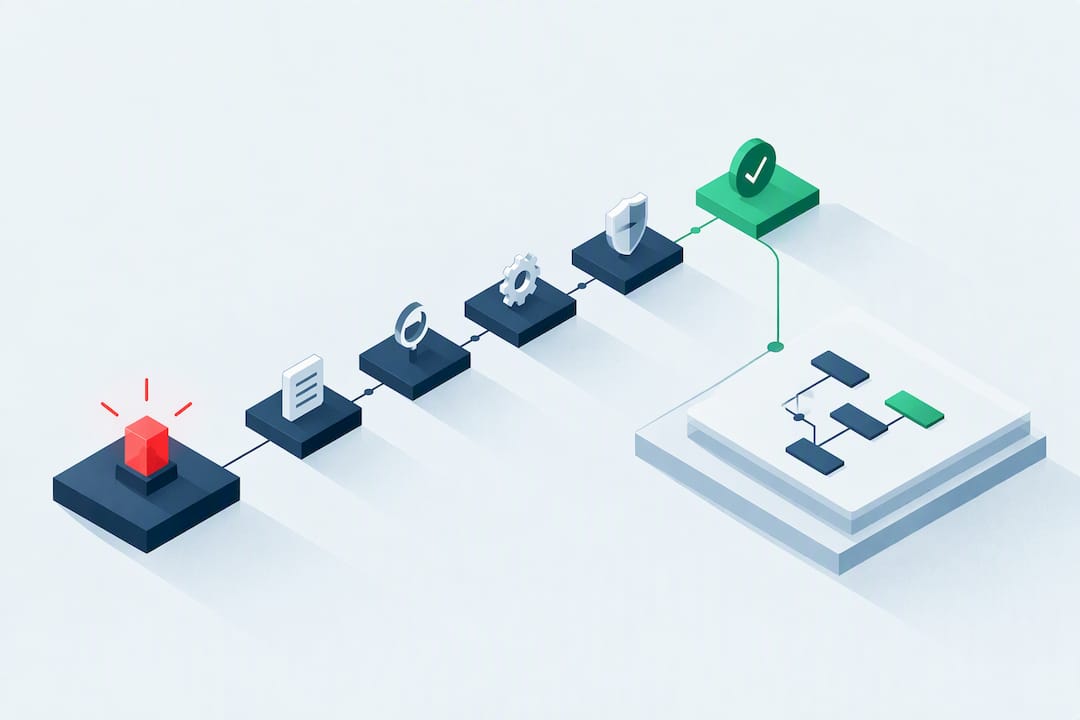
The fastest way to stop expired certificates from taking down a service is automated, multi-location monitoring of the served certificate, paired with an accurate certificate inventory and a renewal pipeline that deploys without manual intervention. Watch the signals that actually matter: the certificate’s notAfter date, full chain expiry, and OCSP or revocation status. Confirm failures from a second location before paging anyone, or on-call engineers burn out on noise.
TL;DR:
- Check each leaf certificate’s validity dates and hostname coverage, then include intermediate chains, root trust schedules, and revocation status, including for internal certificates.
- Compare external probes from multiple regions with host level checks and inventory; flag certificates listed but not found live as inventory drift.
- For short lived certificates, open renewal tickets with one third of their lifetime remaining; page at 14, 7, or 1 day for long lived certificates.
- Run daily checks for short lived certificates, deploy renewals to a canary first, and retain approval and rollback steps for systems that cannot rotate safely.
Table of Contents
- Why Certificate Expiry Breaks Services Without Warning
- Exactly What to Monitor on Every Certificate and Its Chain
- Monitoring Approaches: External Probes, In-Host Checks, and Inventory
- Alerting Thresholds and Runbook Triggers That Avoid Fatigue
- Automation and Renewal Workflows That Don’t Break Production
- Quick Operational Checks You Can Run Right Now
- How We Implement Certificate Expiry Monitoring in Production
- What Operations Teams Should Prioritize First
- Getting Started With Uptime Beacon for Certificate Expiry Monitoring
- FAQ
- Sources
Why Certificate Expiry Breaks Services Without Warning
A certificate does not degrade. It works perfectly until the clock hits its notAfter timestamp, and then most clients reject the connection immediately. There is no gradual slowdown, no partial failure mode to catch early: browsers throw hard TLS errors, API clients fail their handshake, and mail servers using MTA-STS stop delivering to the affected domain.
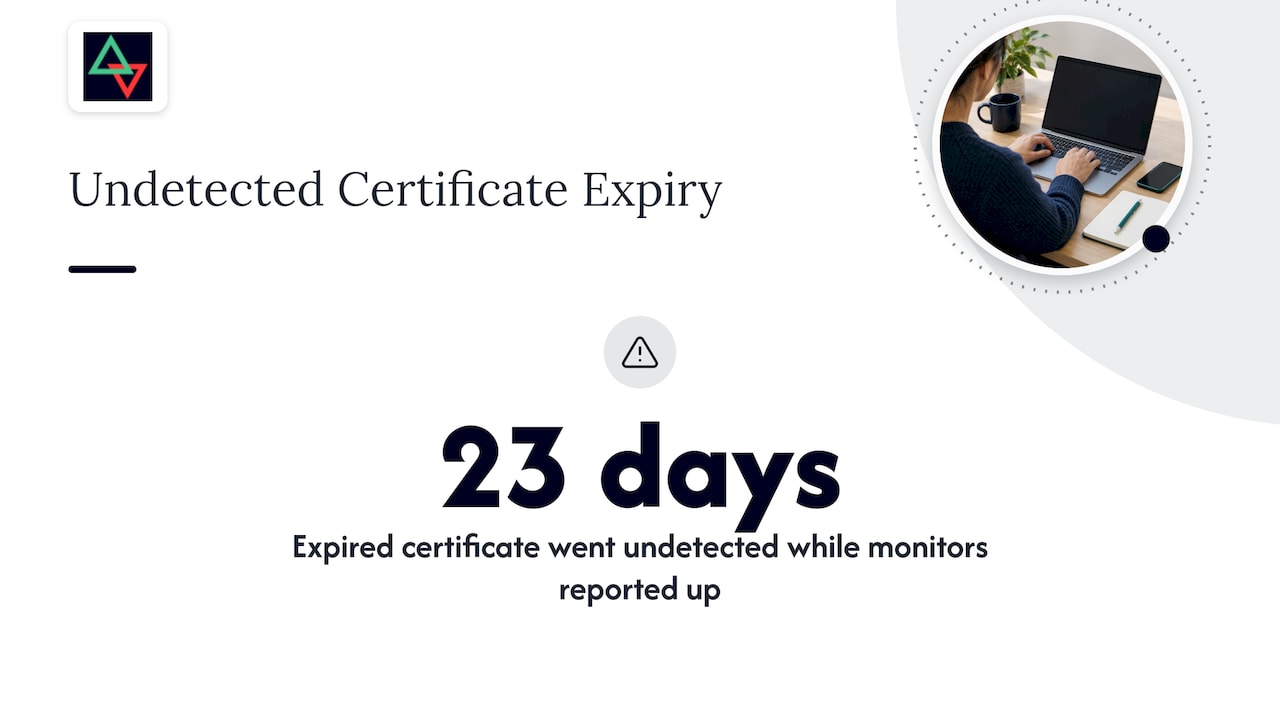
That binary behavior is exactly what makes expiry dangerous for teams that rely on casual observation instead of dedicated checks. A documented case on the Certainly incident shows how a production monitoring setup with TLS validation disabled, combined with cached fallback certificates, let an expired certificate run undetected for 23 days. The monitors were technically “up.” They just were not checking the one thing that mattered.
Exactly What to Monitor on Every Certificate and Its Chain
A complete monitoring setup validates more than a single expiry date. RFC 5280 defines the fields and revocation mechanics that every check should account for:
- The
notBeforeandnotAftertimestamps on the leaf certificate, not just a cached “last seen valid” status. - Subject and Subject Alternative Name (SAN) coverage, so a renewed cert still matches every hostname it needs to serve.
- Full chain expiry, including intermediate certificates, which often have shorter lifespans than the leaf and expire quietly in the background.
- Root CA lifecycle schedules, since Mozilla’s root store policy sets scheduled distrust dates that can break trust chains even when your own certificate looks fine.
- OCSP stapling status and OCSP or CRL reachability, since RFC 5280 notes that CRL-based revocation carries inherent update latency that stapling helps offset.
Internal and private certificates need the same rigor as public-facing ones, but they rarely get it, mostly because they live outside the inventory that ops teams check by habit.
Monitoring Approaches: External Probes, In-Host Checks, and Inventory
Three detection methods cover different blind spots, and none of them alone is enough.
- External probes connect to your service the way a real user or client would, from outside your network, and confirm what is actually being served rather than what you intended to deploy.
- In-host or agent checks inspect certificate files, keystores, and container images directly on the server, catching mismatches between what’s installed and what’s served.
- Inventory and configuration-as-code maintain a source of truth for every certificate, its owner, and its expected renewal date, so nothing expires simply because nobody remembered it existed.
Run probes from multiple geographic locations. A single-location check can report a false “all clear” if a CDN edge node, load balancer, or regional firewall is serving a stale certificate to only part of your traffic. Reconciling probe results against your inventory closes the gap between what you think is deployed and what is actually live.
Pro Tip: Treat inventory drift, a certificate that exists in your records but was never found by a live probe, as its own alert category, separate from expiry warnings.
Alerting Thresholds and Runbook Triggers That Avoid Fatigue
Fixed day counts work poorly across a mix of certificate lifetimes. A 30-day warning is useless noise for a 90-day Let’s Encrypt cert and dangerously late for a 2-year enterprise certificate. Community monitoring practices favor percentage-based thresholds for short-lived certificates, with a fallback to absolute-day bands once a certificate’s remaining life gets short in absolute terms.
A workable tiering looks like this:
- Informational: two-thirds of the certificate’s life remains, logged but not alerted.
- Plan renewal: one-third of life remains, ticket opens, assigned to an owner.
- Urgent: 14, 7, or 1 day remaining on long-lived certs, escalates toward paging.
Require confirmation from a second monitoring location before any urgent alert pages an on-call engineer. A transient network blip at one probe location should never wake someone up. Every alert payload should carry the certificate’s owner, expected remediation timeline, and the affected hostnames, so the person responding doesn’t start the investigation from zero.
Automation and Renewal Workflows That Don’t Break Production
Manual renewal is where certificate monitoring programs quietly fail, usually because the person who knew the process left the team. Automating the renewal and deployment path removes that single point of failure.
- Tie ACME-based issuance directly into your deployment pipeline and secrets manager, so a renewed certificate lands in the same place the old one was pulled from, with no manual file copying.
- Roll out renewed certificates to a canary endpoint first, then run an external probe against that endpoint before pushing to the full fleet.
- For systems that cannot safely auto-rotate (legacy appliances, certain internal services), keep a documented manual approval step and a tested rollback path rather than forcing automation where it isn’t safe.
- After any rotation, confirm from the outside: an external check against the live endpoint, not just a log line saying the renewal “succeeded.”
Community discussions on certificate automation consistently point to daily checks as the baseline cadence for automated, short-lived certificates, with immediate re-issuance when a CA-side error is detected.
Quick Operational Checks You Can Run Right Now
When you need an answer in the next five minutes, skip the dashboard and go straight to the terminal.
- Fetch the served certificate and its expiry:
openssl s_client -connect example.com:443 -servername example.com 2>/dev/null | openssl x509 -noout -enddate - View the full chain as presented by the server:
openssl s_client -connect example.com:443 -showcerts - Check OCSP stapling status:
openssl s_client -connect example.com:443 -status 2>/dev/null | grep -A 10 "OCSP Response" - For a lightweight daily cron pattern, parse the
notAfterdate, compute days remaining, and alert only when a percentage-based or tiered threshold is crossed rather than a single hardcoded day count.
Community scripts built on this same openssl s_client pattern are a reasonable starting point, but adapt the threshold logic to your own certificate mix rather than copying a fixed day count that fits someone else’s renewal schedule.
How We Implement Certificate Expiry Monitoring in Production
Our monitoring is built around the operational principles covered above, starting with confirmation before alerting. When one of our probes flags a certificate issue, we check it from a second location before anything reaches an on-call engineer, which is the same multi-location pattern we apply to incident response more broadly.
- Certificate and domain expiry watches can run alongside uptime checks, allowing expiry tracking to be integrated with other monitoring.
- Results can be stored within the EU, supporting data residency requirements relevant to teams in banking, telecom, and SaaS.
- Alerts can be routed through email, Slack, or webhooks, and status pages can remain operational during platform outages, allowing teams and customers to see current status without needing additional tools.
- A reasonable test plan: add an external check against a production hostname, enable a certificate watch on it, and confirm the alert reaches you only after a second-location check agrees.
What Operations Teams Should Prioritize First
Start with served-certificate checks from outside your network, then reconcile against your inventory. That order catches the failures users actually experience first, and it exposes drift second.
Automate renewal and deployment, but keep a manual fallback for anything too fragile to auto-rotate safely. Require multi-location confirmation before paging; a single flaky probe has paged more engineers than expired certificates ever have. Finally, put certificate checks into your regular on-call drills. A runbook nobody has practiced is a runbook that fails at 3 AM.
— Aaditya Parashar
Getting Started With Uptime Beacon for Certificate Expiry Monitoring
If you want to see this approach running against your own domains, start on our Free plan and give yourself five minutes to test it properly.
- Add an external check against a production hostname you actually care about.
- Turn on a certificate expiry watch for that same hostname.
- Trigger a test alert and confirm it only fires after a second location agrees, which is the entire point of avoiding false pages.
Paid plans scale monitor and certificate watch limits as your footprint grows, with add-on capacity available for increased needs.
FAQ
How do I check the expiry date of a certificate?
Run openssl s_client -connect yourdomain.com:443 -servername yourdomain.com | openssl x509 -noout -enddate to see the exact notAfter timestamp of the certificate your server is actively serving. Checking the served certificate matters more than checking a file on disk, since the two can differ after a misconfigured deployment.
What are the changes to SSL certificate validity in 2026?
Industry trends continue moving toward shorter certificate lifetimes, following the pattern set by Let’s Encrypt’s 90-day model, which community monitoring practices already treat as the baseline for automated issuance. Shorter lifetimes push teams toward percentage-based alerting and automated renewal rather than manual, calendar-based tracking.
How can I tell if a certificate is still valid?
A certificate is valid when the current date falls between its notBefore and notAfter fields, as defined in RFC 5280, and when it hasn’t been revoked according to OCSP or CRL checks. An openssl s_client connection with the -status flag will show you the OCSP response alongside the validity dates in one step.
How often do SSL certificates expire?
Certificate lifetimes vary by issuer and policy: some providers issue certificates valid for a year or more, while automated issuers like Let’s Encrypt use a 90-day cycle. Because lifetimes vary this widely, practical guidance from certificate automation discussions recommends daily checks regardless of the underlying certificate’s total validity period.
Sources
The certificate behavior and revocation mechanics referenced above come from RFC 5280, the governing standard for X.509 certificate validity fields and CRL timing. Root lifecycle scheduling follows Mozilla’s Root CA Lifecycle documentation, and the real-world monitoring failure described earlier is drawn from a documented Mozilla bug report on the Certainly incident.
- 2052399 - Certainly: Expired certificates on “Valid” and “Revoked” test websites
- RFC 5280 - Internet X.509 PKI Certificate and CRL Profile
- Built a Rust-based monitor for those missing the old expiration emails
- Mozilla Root CA Lifecycles