The most reliable way to avoid a lapsed domain is to combine automated expiry monitoring with registrar confirmation and a documented backup contact. Relying on a single registrar email is not enough. At minimum, you need an expiry watch that alerts across multiple channels, a secondary contact not tied to the domain itself, and a written recovery step for when something slips through.
TL;DR:
- Use the registrar control panel to verify billing, auto renew, and payment details; WHOIS or RDAP gives a snapshot, not ongoing monitoring.
- ICANN requires notices around 30 and 7 days before expiry; after a roughly 45 day auto renew grace period, redemption often carries higher fees.
- For production domains, pair auto renew with independent alerts across channels; contact the registrar at redemptionPeriod, because pendingDelete leaves only days before release.
- Keep a central domain inventory, credentials in a password manager, and a secondary contact outside the domain; use calendar reminders for low traffic parked domains.
Table of Contents
- How to find when a domain expires
- Monitoring options: registrar notices, automation, and third-party watches
- What happens after expiry: timelines and status codes to watch
- Recommended monitoring setup for teams
- How domain expiry fits with uptime and certificate monitoring
- Using AI assistants to analyze and automate expiry monitoring
- Why treating domain expiry like a production-monitoring problem pays off
- How Uptime Beacon maps to this checklist
- FAQ
- Sources
- Authoritative policy and reference links
How to find when a domain expires
The fastest way to check an expiry date is a WHOIS or RDAP lookup. ICANN’s lookup service returns the registrar, nameservers, and the registration expiration date for most gTLDs. The field to watch is the expiration date, not the “updated” date, which changes whenever a registrar touches the record and has nothing to do with renewal.
WHOIS data can be confusing when auto-renew is involved. A domain can show an expiration date that is technically past while still sitting in a grace period, because the registry has not yet reclaimed it. That’s why WHOIS alone is a snapshot, not a monitoring system.
The registrar control panel is the authoritative source for your own registrations. It shows the actual billing and renewal status, whether auto-renew is active, and which payment method is on file. If you manage domains across several registrars, this becomes the first place to check when a renewal looks uncertain.
DNS symptoms are a late warning sign, not a monitoring strategy. By the time you see these, you are already in trouble:
- Inbound mail starts bouncing or gets flagged as undeliverable
- A website that was reachable suddenly returns a registrar parking page or DNS error
- Nameserver lookups stop resolving, even though the site worked the day before
Treat these symptoms as a diagnostic clue that something failed upstream, whether that’s an expired registration, a DNS misconfiguration, or a registrar account issue. They should never be your first indication that a domain is about to lapse.
Monitoring options: registrar notices, automation, and third-party watches
Registrars are required to warn you before a domain expires. ICANN’s Expired Registration Recovery Policy requires at least two pre-expiration notices, but deliverability is the weak link: spam filters, an outdated contact email, or a single point of contact at a company that has since changed staff can all mean the notice never reaches anyone who can act on it.
For a small number of low-stakes domains, calendar automation works fine. A shared team calendar entry 45 days before expiration, or a scheduled script that queries WHOIS and posts to a channel, gives you a second line of defense without extra tooling.
For anything that matters operationally, a third-party monitor is the safer default. It centralizes every domain in one dashboard instead of scattered registrar accounts, and it can notify through several channels at once:
- Email and Slack for day-to-day visibility
- Webhooks for pushing alerts into existing incident tooling
- SMS or phone for domains where downtime is not an option
Pro Tip: For domains that run production traffic, keep registrar auto-renew turned on and run an independent expiry watch in parallel, so a failed card charge doesn’t go unnoticed until the site is down.
Combining methods matters most for high-value domains: the ones tied to a primary site, email, or API. Low-traffic or parked domains can usually get by on registrar notices and a calendar reminder.
What happens after expiry: timelines and status codes to watch
ICANN’s ERRP sets the clock before expiration even hits. Registrars must send at least two pre-expiration notices, typically around 30 days out and again around 7 days out, with acceptable windows of roughly 26 to 35 days and 4 to 10 days before expiration.
After expiration, two grace periods matter:
- The Auto-Renew Grace Period, typically around 45 days, during which the domain can usually be restored by simply paying the renewal fee
- The Redemption Grace Period, typically around 30 days, which follows if the domain is not renewed and often carries a higher restoration fee
A domain that misses both grace periods can be deleted and released for anyone to register, which is why the EPP status code reference from ICANN matters operationally. Watch for autoRenewPeriod (recently auto-renewed, still reversible), redemptionPeriod (expired and pulled from DNS, restoration still possible but costlier), pendingDelete (final countdown before release), and clientRenewProhibited (renewal blocked at the registrar level, often due to a billing or compliance hold).
The moment you see redemptionPeriod, contact your registrar immediately. Once pendingDelete appears, treat it as a last-chance window measured in days.
Recommended monitoring setup for teams
A working setup starts with inventory, not alerting. Keep every domain your organization owns in one list, store registrar credentials in a password manager rather than an individual’s inbox, and designate a secondary contact whose email address isn’t on the domain in question. That last point matters more than it sounds: if the only renewal contact is an address hosted on the domain itself, a lapse locks you out of your own warning system.
On top of that inventory, build in:
- Multi-channel alerts so a single failed delivery doesn’t go unnoticed
- Escalation rules that page a second person if the first doesn’t acknowledge within a set window
- Failure confirmation from more than one source before an alert fires, which cuts down on noise from temporary lookup errors
- A quarterly audit of the domain list against billing records
- Rotating ownership of renewal duties so the task doesn’t live permanently with one person who might leave
Pro Tip: Write the recovery steps down before you need them. A one-page note on what to do when a domain hits redemptionPeriod saves hours during an actual incident.
If you want this mapped to a concrete tool, Uptime Beacon includes domain expiry watches, checks confirmed from a second region before alerting, an MCP-connected AI assistant on every plan including Free, and EU-based data storage, features that line up with the checklist above without requiring a paid plan to start.
How domain expiry fits with uptime and certificate monitoring
Domain expiry, SSL certificate expiry, and uptime failures are three versions of the same operational risk: something quietly stops working while nobody is watching. A lapsed certificate breaks HTTPS before anyone notices the browser warning. A lapsed domain takes down DNS resolution entirely, which looks identical to a full outage from the outside, except there’s no server to restart because the problem is at the registry level.
Treating these as one monitoring discipline instead of three separate chores closes the gaps between them. A domain that’s 10 days from expiry and a certificate that’s 14 days from expiry are both early warnings with the same urgency curve, and both deserve the same alerting logic that uptime checks already use: confirm the failure from more than one vantage point before paging anyone.

Our own approach to certificate expiry monitoring applies that same confirmation logic rather than firing on the first failed check. A domain expiry watch, a certificate watch, and an uptime check pointed at the same endpoint give you overlapping coverage: if DNS breaks, the uptime check fails too, and if the registration is the root cause, the expiry watch already flagged it days earlier. Running all three from one dashboard means one alert stack, one escalation path, and no gap between “the site is down” and “we know why.”
Using AI assistants to analyze and automate expiry monitoring
An AI assistant connected directly to a monitoring platform can cut the manual steps out of expiry tracking. Instead of opening a dashboard to check which domains are close to expiring, you can ask an assistant connected over MCP to list every monitor nearing its expiry window, summarize which ones lack a confirmed secondary contact, or check whether a specific domain’s certificate and registration are expiring within the same week.
Uptime Beacon exposes its monitors, incidents, and check history to any MCP client, including Claude, ChatGPT, Cursor, VS Code, or Codex, through https://app.uptimebeacon.eu/mcp, with no API key required beyond signing in. The assistant can read monitor status and diagnose a failing check region by region, which is useful when you need to know whether an expiry flag is a real registration lapse or a one-off lookup error.
With Allow changes turned on for a team, the same assistant can create new domain expiry watches, pause or resume monitors, acknowledge incidents, and start maintenance windows, all without anyone touching the dashboard manually. Nothing can be deleted through MCP, so the automation stays reversible. For a team managing dozens of domains, this turns a recurring manual audit into a question you can ask whenever you need the answer.
Why treating domain expiry like a production-monitoring problem pays off
Most expiry incidents trace back to process, not technology: no central inventory, one person holding renewal knowledge, a contact email tied to the domain that just lapsed. Fix the habits and the tooling mostly takes care of itself.
Treat expiry alerts the way you’d treat any other on-call alert. Test the channels before you need them, and favor confirmation logic over single-check triggers so a transient lookup failure doesn’t train your team to ignore the warnings that matter.
— Aaditya Parashar
How Uptime Beacon maps to this checklist
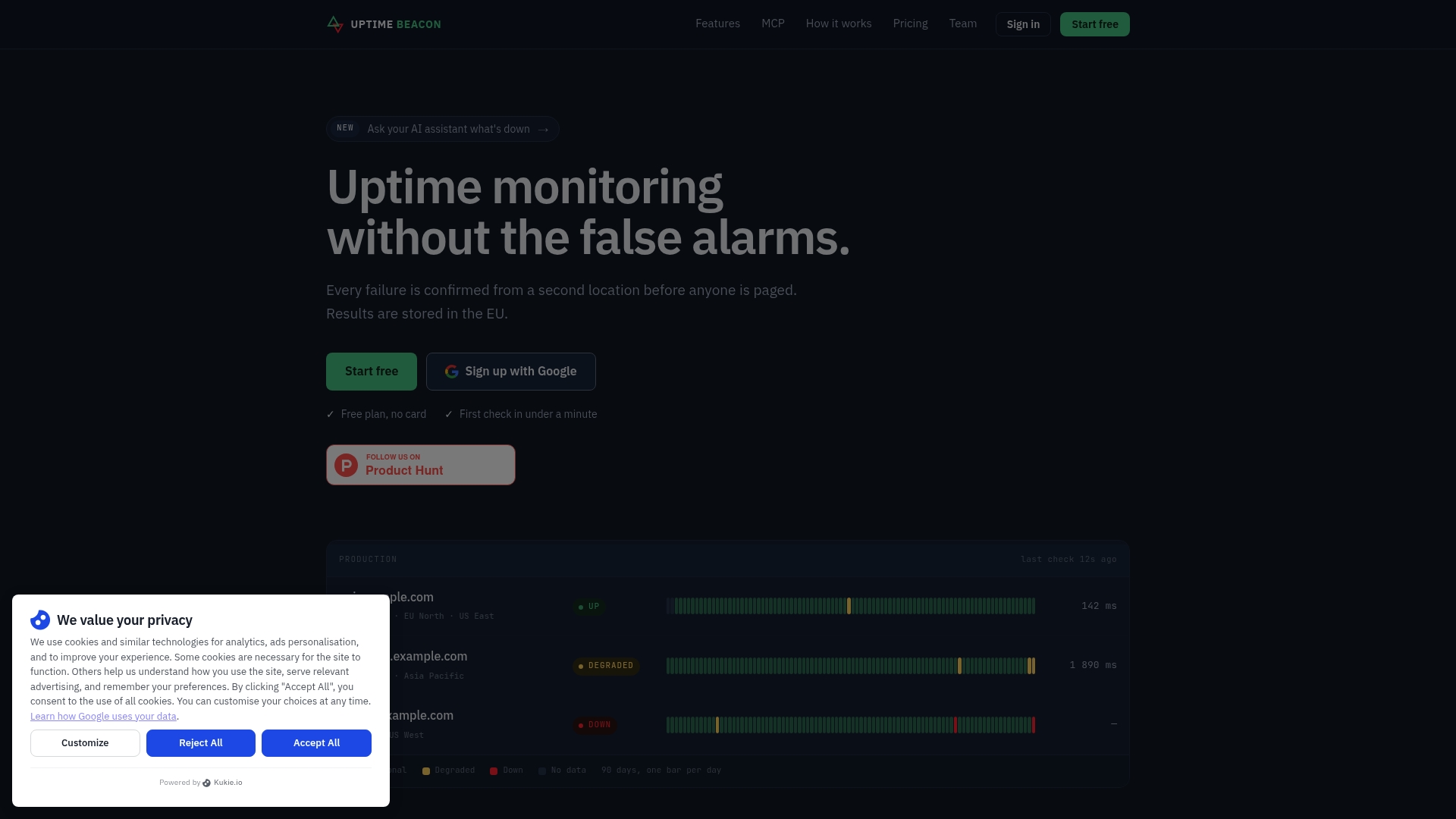
Every item on that checklist has a direct match in what we build. Our domain expiry watches sit alongside multi-region failure confirmation, so an alert only fires after a real, repeated check rather than a single flaky lookup. The same MCP connection that reads uptime monitors reads expiry watches too on every plan, and every result is stored in the EU. Add a domain expiry watch or start on the free plan at Uptime Beacon and see your renewal dates alongside the rest of your infrastructure.
FAQ
How can I know when a domain expires?
Check the registrar control panel for the authoritative renewal date, or run a WHOIS or RDAP lookup through ICANN for a quick external check. For ongoing visibility, pair that with an automated expiry watch that alerts you before the date arrives rather than requiring you to check manually.
How can I find an expired domain name list?
There is no single official registry of expired domains, since availability depends on each registry’s own release schedule after the Redemption Grace Period ends. Domains that complete the pendingDelete status get released back to the public pool and become available to register again, typically tracked through registrar backorder services rather than a public list.
Do I need domain expiration protection?
For any domain running a production site, email, or API, yes: a lapsed domain breaks DNS resolution entirely, which looks identical to a full outage. An automated expiry watch combined with auto-renew and a secondary contact is a practical minimum for anything you can’t afford to lose.
How can I check the age of a domain name?
A WHOIS or RDAP lookup shows the original creation date alongside the current expiration date, letting you calculate how long a domain has been registered. ICANN’s lookup tool returns this directly for most gTLDs without needing a third-party service.
Sources
Authoritative policy and reference links
For the official rules behind renewal notices and restoration timelines, consult ICANN’s Expired Registration Recovery Policy and the EPP status code reference. For a registrar’s practical implementation of these rules, see eNom’s ERRP policy page.


