If you are leaving Status.io because you want monitoring and a status page in one place, with fewer false alarms and a bill you can predict, Uptime Beacon is the option we would start with. It checks your endpoints from five regions, opens an incident only after repeated failures confirmed from a second location on paid plans, serves public status pages that don’t depend on the dashboard, and has a Free plan with no card. Below are the other realistic options, what each costs, and what to compare before you move.
TL;DR
- Status.io is a dedicated status-page product. If you also need checks that decide when an incident starts, a bundled tool saves you from wiring two systems together.
- Uptime Beacon pairs monitoring with status pages and confirms failures from a second region before an incident opens (paid plans), so the page and the pager stay quiet during a network blip.
- Free to start: 5 monitors every 5 minutes, one alert channel, one status page. Paid plans run from €14.99 to €89.99 per month.
- Instatus, Hyperping, Better Stack, Statuspal and Atlassian Statuspage cover most hosted needs; Uptime Kuma, Gatus, Cachet and Upptime cover self-hosting.
- Whatever you pick, host the status page away from the infrastructure it reports on.
Table of Contents
- Why teams look beyond Status.io
- What to compare before you switch
- The options at a glance
- 1. Uptime Beacon: monitoring and status pages that don’t cry wolf
- 2. Instatus: lightweight hosted pages
- 3. Better Stack: broad observability suite
- 4. Hyperping: monitoring with a status page
- 5. Statuspal: tiered pages with multi-language support
- 6. Atlassian Statuspage: the incumbent
- 7. European hosts: Statushub and Sorry
- 8. Self-hosted: Uptime Kuma, Gatus, Cachet and Upptime
- How the options differ on what matters
- A switching checklist
- Start on the Free plan
- Our perspective
- FAQ
- Sources
Why teams look beyond Status.io
Status.io does one job: it publishes incidents and maintenance to your customers. According to The Knowledge Engineers’ 2026 roundup, its ladder runs Basic, Standard, Plus and Enterprise, with subscriber and team-member limits rising together with each tier. That is a fair model for a company with a big customer base and a communications team. It is a heavier fit for a three-person SaaS team, a freelancer with client sites, or an indie developer who mostly wants to know quickly, and correctly, that something is down.
The usual reasons for switching are practical:
- Tool sprawl. A status page is only as good as the signal feeding it. If monitoring lives in one tool and the page in another, someone has to update the page by hand at 3 a.m.
- Price against team size. A page for a small product rarely needs thousands of subscribers.
- Alert quality. A status page that shows a false outage costs you trust with your customers.
- Data location. Some teams need results stored in the EU.
If your problem is only the first or second, a bundled tool solves it. If it is the third, pay attention to how each tool decides that something is really down.
What to compare before you switch
Use this list to score every option, including ours.
- How an incident opens. One failed check from one location, or several failures confirmed elsewhere? This decides how often you get paged for nothing.
- Whether monitoring is included. Bundled checks mean the page can reflect reality without manual edits.
- Where the page is hosted. A page that shares a server or network with the monitored service can fail along with it. The Knowledge Engineers recommends separate infrastructure and an outage test for this reason.
- Free-plan limits. Monitors, check interval, alert channels, number of pages.
- Alert channels and automation. Email, Slack, webhooks, and whether an AI assistant can work with your data.
- Data residency. Where results are stored, and who operates the service.
- Price shape. Flat tiers, per-monitor add-ons, per-page add-ons, per-subscriber limits.
The options at a glance
Prices for third-party tools come from the cited roundups and change often; confirm on each vendor’s pricing page before you buy.
| Tool | Type | Entry price | Monitoring built in |
|---|---|---|---|
| Uptime Beacon | Monitoring plus status pages | Free; paid from €14.99/month | Yes: HTTP, TCP, hosts, heartbeats, certificates, domains |
| Instatus | Hosted status pages | Free; Pro $20/month | Check the vendor page |
| Better Stack | Monitoring plus status pages | Free (10 monitors); about $25/month per 50 monitors | Yes |
| Hyperping | Monitoring plus status pages | Free; Essentials $24/month | Yes |
| Statuspal | Hosted status pages | $32 to $149/month | Service monitoring on tiers |
| Atlassian Statuspage | Hosted status pages | Free; $99 to $1,499/month | No |
| Uptime Kuma, Gatus, Cachet, Upptime | Self-hosted | Free (you run it) | Varies by tool |
The price rows for Instatus, Better Stack, Hyperping, Statuspal and Atlassian come from Dupple’s June 2026 comparison.
1. Uptime Beacon: monitoring and status pages that don’t cry wolf
Uptime Beacon is built for engineers and small teams who carry the pager. It checks HTTP endpoints, TCP ports and hosts from five regions: EU Central, EU North, US East, US West and Asia Pacific. An incident opens only after several failures in a row, and on paid plans a second location must confirm the failure. A routing hiccup in one region does not wake anyone and does not put a false outage on your public page.
What else is included:
- Heartbeat monitoring for cron jobs and background workers, so a job that silently stops running becomes an incident.
- Certificate and domain expiry watches.
- Public status pages that don’t depend on the dashboard, so they stay reachable while you are fighting an incident.
- Maintenance windows on Starter and above.
- Email, Slack and webhook alerts.
- Detailed incident and recovery reporting.
The second differentiator is AI assistants over MCP (Model Context Protocol, a standard way for assistants to connect to tools). On every plan, Free included, you connect Claude, ChatGPT, Cursor, VS Code, Codex or any MCP client to the Uptime Beacon MCP endpoint, sign in, and there is no API key to manage. The assistant can read monitors, incidents and check history, and diagnose a failing monitor region by region. With “Allow changes” turned on for a team, it can also create, pause and resume monitors, acknowledge incidents and start maintenance windows. Nothing can be deleted over MCP.
Results are stored on a control plane and database in the EU, and the service is operated by Wealth Beacon OÜ in Estonia.
Pricing (published on our site):
| Plan | Price |
|---|---|
| Free | €0 per month, no card |
| Starter | €14.99 per month |
| Pro | €39.99 per month |
| Business | €89.99 per month |
| Enterprise | No published price |
Extra capacity is an add-on: 10 more monitors on Starter for €5 per month, 50 more on Pro for €10, 100 more on Business for €15, and 10 more certificate or domain expiry watches for €5.
The Free plan gives you 5 monitors every 5 minutes from EU Central, one alert channel (email or Slack) and one status page. That is enough to run a real side project or to trial the whole workflow before paying.

2. Instatus: lightweight hosted pages
Instatus is a hosted status-page product with a generous free tier. According to Dupple, Free includes unlimited team members and subscribers, Pro is $20 per month with a custom domain, 5,000 subscribers and SMS, and Business is $300 per month with 25,000 subscribers, SAML SSO, SCIM and three pages. It suits teams whose main need is communicating with customers. If you also want the checks that trigger those updates, pair it with a monitor or choose a bundled tool.
3. Better Stack: broad observability suite
Better Stack bundles uptime monitoring, on-call and status pages. Dupple reports the Free plan covers 10 monitors, one status page and unlimited phone and SMS alerts, then roughly $25 per month for each additional 50 monitors. Add-ons stack up: $15 per month for an extra page, $50 per month per page for password protection and $250 per month per page for full white-label. If you are comparing it head to head, our Better Stack alternatives guide goes deeper.
4. Hyperping: monitoring with a status page
Hyperping combines uptime checks and status pages. Per Dupple, there is a Free plan and Essentials at $24 per month. It is a sensible bundled pick for small teams in the same category as Uptime Beacon.
5. Statuspal: tiered pages with multi-language support
Statuspal runs Hobby at $32 per month (500 subscribers, 10 monitored services, one language), Startup at $59 (1,000 subscribers, 30 services, two languages, public and private pages) and Business at $149 (4,000 subscribers, 100 services, three languages, SSO), all with a 14-day no-card trial and first-year discounts, according to Dupple. Because of those discounts, compare the renewal price, not just the first-year one.
6. Atlassian Statuspage: the incumbent
Statuspage is the default name in the category. It has a free tier and paid plans from $99 to $1,499 per month, per Dupple. It is a dedicated page product, so the monitoring has to come from elsewhere. For a closer look, read our Statuspage alternatives comparison.
7. European hosts: Statushub and Sorry
Two vendors are positioned for European buyers. Cadence’s May 2026 roundup lists Statushub at $39 per month for Starter and $79 for Pro (2,500 subscribers), and Sorry at $99 per month for Bronze and $199 for Silver, described as GDPR-native. Both are page-first tools, so you would still need a separate source of monitoring.
8. Self-hosted: Uptime Kuma, Gatus, Cachet and Upptime
Self-hosted tools cost nothing on the vendor pages, but you carry the operations. The Knowledge Engineers notes that Cachet is self-hosted only, Uptime Kuma installs from a Docker image, and Upptime runs on GitHub Actions every five minutes and publishes a static site. Selfhosting.sh describes Gatus as a single-YAML-config tool with HTTP, TCP, DNS, ICMP and SSH checks, and Upptime as tracking incidents as GitHub Issues.

The cost is your time: updates, backups, and the real risk that a page on the same server or network goes down with the service it reports on. If a team wants someone else to watch the watchers, a managed service is the lower-effort choice. Organizations that prefer to hand infrastructure watching to a provider can also look at proactive IT monitoring services for their wider estate.
How the options differ on what matters
Alert quality. Dedicated page tools are not built to decide whether a failure is real; they publish what you tell them. Bundled tools decide for you, so the confirmation logic matters. Ours waits for repeated failures and, on paid plans, a second-region confirmation. If you are moving from UptimeRobot or Pingdom because of noisy alerts, this is the criterion that pays off most; see our Pingdom alternatives guide and the uptime monitoring guide for setup details.
Cron jobs and workers. Most page-first tools do not watch scheduled jobs. Uptime Beacon’s heartbeat monitoring turns a missed job into an incident, which matters for SaaS teams with background workers. Our SaaS monitoring use case shows how that looks.
AI workflows. If you use Claude Code, Cursor or Codex daily, asking the assistant why a monitor is failing in one region is faster than opening three dashboards. MCP access on every plan, Free included, makes that available from day one.
Data residency. Many US-based tools do not lead with where results are stored. Uptime Beacon stores every result on a control plane and database in the EU, which helps teams with GDPR obligations answer where monitoring data lives.
Price shape. Per-subscriber limits, per-page add-ons and white-label surcharges can double a bill. Uptime Beacon’s pricing is flat tiers with simple monitor add-ons, so you can predict the invoice.
A switching checklist
- List your current components and map each to a monitor (HTTP, TCP, heartbeat).
- Export or note your subscribers and custom domain settings.
- Create the new status page and point it at the monitors.
- Run the new page in parallel for a week and compare incident timelines.
- Move the custom domain’s DNS record only when the new page matches.
- Cancel the old plan after the next billing date check, since annual plans may bill by purchase order.
Look at real examples before designing your page: our status page examples piece shows what to copy.
Start on the Free plan
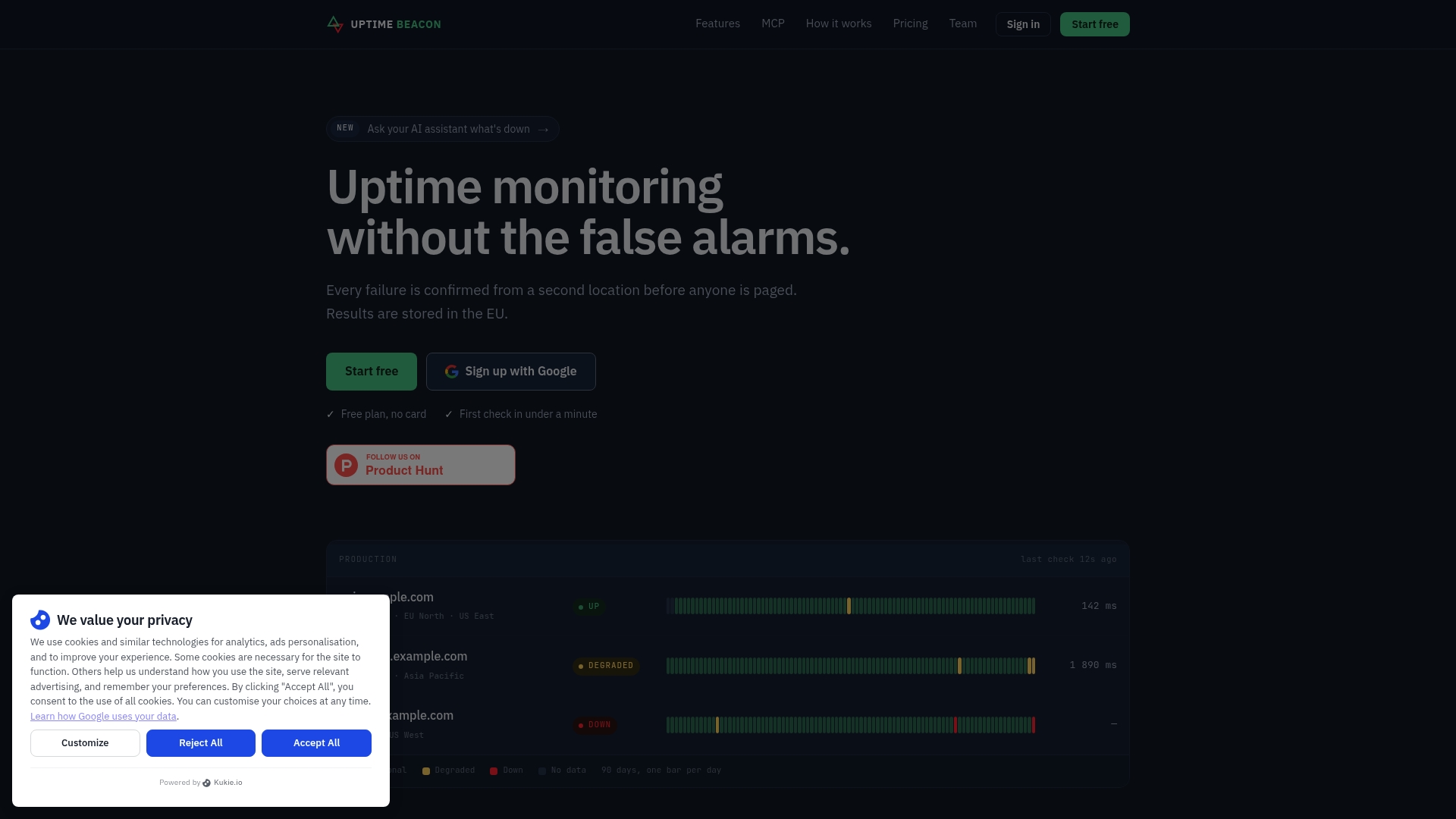
The quickest way to judge a status-page alternative is to run your own services through it. Uptime Beacon’s Free plan gives you 5 monitors every 5 minutes from EU Central, one alert channel (email or Slack), one status page and MCP access, with no card. When you outgrow it, Starter is €14.99 per month and Pro is €39.99 per month.
Web agencies and freelancers can use the same setup for client sites, and shops can see the e-commerce use case.
Our perspective
We built Uptime Beacon after years of running production in banking, fintech, telecom and SaaS, where the worst pages were never the real outages. They were the false ones: a blip between two networks, a single failed probe, and an engineer awake at 3 a.m. for nothing.
That is why an incident here opens only after repeated failures, and on paid plans only once a second location confirms it. A status page that publishes a false outage costs you customer trust, so the check logic matters as much as the page design.
We also think the page should survive the incident it describes. Ours doesn’t depend on the dashboard, so it stays up while you work.
The third piece is how engineers work now. With MCP on every plan, your assistant can read monitors and incidents and diagnose a failure region by region, and with “Allow changes” on, act on it. Nothing can be deleted over MCP. Last, results are stored in the EU, for teams that need to say where their data lives.
Aaditya Parashar
FAQ
What is the best free alternative to Status.io?
For a free option that includes real monitoring, Uptime Beacon’s Free plan gives you 5 monitors every 5 minutes, one alert channel and one status page, with no card. Instatus also has a free tier focused on pages with unlimited subscribers and team members, per Dupple. Pick based on whether you need monitoring bundled in.
Do I need a separate tool for monitoring if I use Status.io?
Status.io publishes incidents and maintenance, so something else has to detect failures. A bundled tool like Uptime Beacon removes that gap: the same service checks endpoints from five regions, opens the incident, and serves the status page.
Is self-hosting a status page a good idea?
It can work if you have the time to maintain it. The main risk is hosting the page on the same infrastructure as the service it reports on, since it can fail with it. A managed page that doesn’t depend on your own servers or dashboard avoids that.
Can an AI assistant manage my monitors?
Yes, with Uptime Beacon. Connect Claude, ChatGPT, Cursor, VS Code, Codex or another MCP client and sign in. It can read monitors, incidents and check history and diagnose failures by region. With “Allow changes” on, it can create, pause and resume monitors, acknowledge incidents and start maintenance windows, but never delete anything.
Sources
- The Best Status Page Services in 2026, Dupple
- Best Status Page Software in 2026, The Knowledge Engineers
- Best status page tools in 2026, Cadence blog
- Self-Hosted Alternatives to StatusPage.io, selfhosting.sh
- Proactive IT monitoring services, LANCAST


